2026 US Passport Photo Requirements and Submission Rules
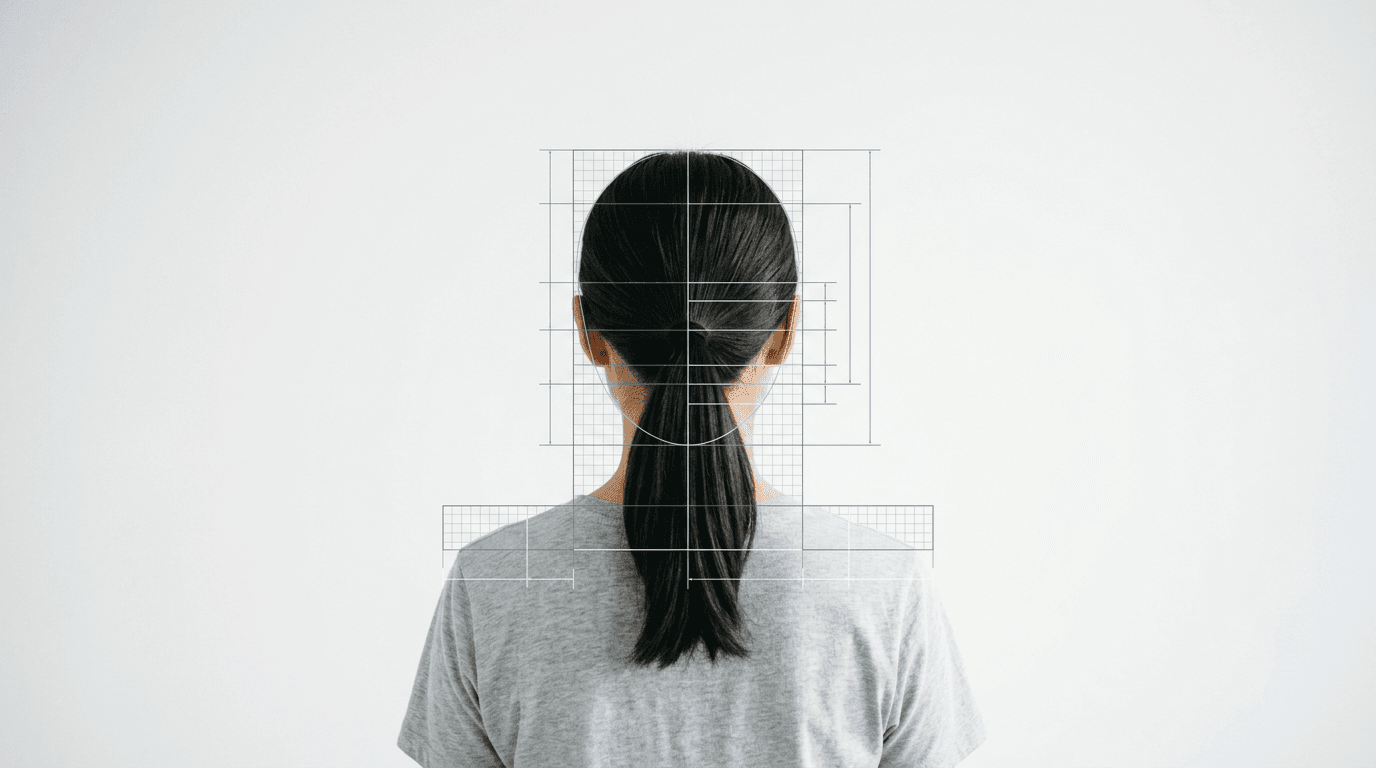
Most passport applications do not fail because the applicant lacks citizenship evidence or submitted the wrong fee; they fail because a minor shadow behind the applicant's ear triggered a biometric rejection. The Department of State processes millions of travel documents annually, and their first layer of defense against fraudulent applications is automated facial recognition software. Securing a compliant US passport photo in 2026 means passing this algorithm before a human ever looks at your paperwork. Understanding the mechanical tolerances of these systems is the only reliable way to prevent a 90-day delay on your travel plans.
Quick Summary
The current biometric standard for United States travel documents demands a meticulously lit, precisely measured facial capture that isolates the subject against a plain white background. Algorithms reject images with uneven lighting, digital alterations, or incorrect aspect ratios before human clerks review the file.
- Dimensions must sit exactly at 2 x 2 inches (51 x 51 mm).
- The head must measure between 1 and 1 3/8 inches from chin to crown.
- Eyeglasses remain strictly prohibited without a signed medical exemption.
- Digital uploads require a 600 by 600 pixel minimum resolution in sRGB color.
Table of Contents
- Why a US passport photo fails Department of State review
- How the biometric sizing mechanics dictate framing
- What the submission portal checks before human review
- Where infant physiology complicates biometric capture
- Who should avoid retail pharmacy backdrops
- FAQ
- Recommended Reads
Why a US passport photo fails Department of State review
The US Department of State evaluates an american passport photo using a stringent set of geometric and photometric criteria. The failure modes are rarely about the applicant's appearance; they are about the data the image contains. When you submit a printed or digital file, the ingestion system plots nodal points across the face: the distance between the pupils, the width of the nose, the depth of the eye sockets, and the shape of the jawline.
If shadows obscure the jawline, the software cannot calculate the shape of the face. This is the most common reason for rejection. Shadows cast on the background indicate that the subject was standing too close to the wall, while shadows across the face indicate a single-point light source rather than the required diffuse, flat lighting. The government's facial recognition algorithms rely on contrast to map depth; artificial contrast created by poor lighting creates a false topographic map of your face.
Similarly, digital alterations trigger immediate holds. Modern smartphone cameras automatically apply subtle beauty filters, smoothing skin texture and sharpening edges. The ingestion software detects these pixel-level uniformities as tampering. An image must represent the raw, unaltered physiology of the applicant.
How the biometric sizing mechanics dictate framing
The specifications for a us passport size photo are uncompromising. The physical print must be exactly 2 inches by 2 inches (51 x 51 mm). However, the internal geometry of the subject within that square is where most applicants fail. The vertical distance from the bottom of the chin to the top of the head (the crown, ignoring hair volume) must measure between 1 inch and 1 3/8 inches (25 to 35 mm). The eyes must sit vertically between 1 1/8 inches and 1 3/8 inches (28 to 35 mm) from the bottom edge of the photo.

This rigid framing exists because the scanning hardware relies on a fixed grid. If the head is too large, the chin and forehead touch the edge of the cropping zone, removing data about the overall head shape. If the head is too small, the resolution of the facial features drops below the threshold required for nodal mapping.
Practical rule: Always frame the subject with significant empty space above the head and below the collarbones during capture; the required 51x51mm crop and precise head sizing must be done in post-processing, never in the camera lens.
When evaluating us passport photo requirements, you must also account for posture. The shoulders must be square to the lens, and the face must be perfectly centered. A slight head tilt (pitch, yaw, or roll) distorts the measured distance between the ears or the pupils, rendering the biometric data useless for international border control databases.
Printing resolution and paper stock limits
For paper applications, the physical medium matters as much as the framing. The image must be printed at 300 pixels per inch (PPI) minimum. It must sit on high-quality photographic paper, either matte or glossy. Printing on standard copy paper introduces a visible dot matrix pattern (halftone) that disrupts the scanner's ability to resolve fine edges, leading to an automatic rejection for "low resolution or grainy" quality.
What the submission portal checks before human review
As the Department of State continues its rollout of online renewal portals, understanding us passport digital photo requirements becomes critical. The digital upload tool runs an immediate, automated pre-check on the file before it accepts payment or finalizes the application. This pre-check is aggressive.
The system demands a JPEG file format (.jpg or .jpeg). The compression cannot drop the image quality below the point where artifacts appear around high-contrast areas (like the line between dark hair and the white background). The pixel dimensions must form a perfect square, ranging from a minimum of 600 x 600 pixels to a maximum of 1200 x 1200 pixels. The color space must be exactly sRGB; images uploaded in Adobe RGB, CMYK, or Display P3 will experience severe color shifting when the system forces them into sRGB, often resulting in rejection for unnatural skin tones.
File size is capped at 240 kilobytes (KB), forcing a delicate balance between retaining fine facial details and compressing the file enough to pass the upload gateway. If you over-compress the JPEG, the resulting pixelation will trigger a "low quality" error.
If you are navigating these tight digital constraints, it is often safer to rely on automated formatting tools. You can consult a comprehensive United States Baby Passport Photo Guide to see exactly how these digital dimensions apply across different age groups.
The contrast and color temperature trap
Digital systems evaluate the background color. The requirement is "plain white or off-white." A textured wall, a door frame, or a wall painted cream that reads as yellow under incandescent light will fail. The software samples the pixels behind your head; if the hex codes deviate too far from pure white (#FFFFFF), the background removal algorithm struggles to isolate your hair. Attempting to manually digitally remove the background yourself (using a magic wand tool) leaves jagged, artificial edges that the anti-tampering software flags.
Where infant physiology complicates biometric capture
Applying these rigid adult biometric standards to infants is where the system experiences the most friction. Producing united states passport photos for a newborn requires navigating a clash between the Department of State's geometric demands and a baby's physical limitations. Infants lack the neck strength to sit up straight, their eyes do not reliably track the lens, and their facial proportions are vastly different from adults, making standard chin-to-crown templates difficult to apply.
The State Department grants two primary physical exemptions for infants under 12 months. First, the infant's eyes do not need to be entirely open. While adult applicants face immediate rejection for a mid-blink capture, sleeping or partially closing eyes are acceptable for newborns. Second, a neutral expression is not strictly enforced, though the mouth should ideally be closed, and crying or yawning captures are frequently rejected because they distort the jawline and cheekbones.
Practical rule: Lay an infant flat on their back on a plain white sheet to photograph them from above, ensuring no hands, pacifiers, or car seat straps are visible in the frame.
Despite these physical exemptions, the lighting and background requirements remain absolute. A parent's hand holding the infant's head will trigger a rejection. Shadows cast by a parent leaning over the baby will trigger a rejection. The requirement for a plain white background persists, which is why draping a car seat in a white sheet or laying the baby on a white poster board on the floor are the only viable manual methods. Because achieving this is notoriously difficult, reviewing a broad US & International Baby Passport Photo Requirements & Guides index can provide critical setup configurations before you attempt the capture.
Who should avoid retail pharmacy backdrops
The traditional route of acquiring a travel document image involves walking into a pharmacy, standing against a pull-down screen, and relying on a retail clerk operating a point-and-shoot camera. This approach fails three specific demographics entirely.
First, families with infants. Pharmacy clerks are not trained photographers, and retail counters do not possess the overhead rigs or floor space required to safely lay a newborn flat on a white background. They often attempt to have the parent hold the baby, resulting in visible hands or awkward angles that fail biometric review.
Second, individuals with mobility issues. The lighting setups in retail locations are fixed at standing height. Wheelchair users often end up with shadows cast heavily across their faces because the primary flash is positioned for a standing adult, throwing the biometric mapping into chaos.
Third, applicants submitting through digital portals. Retailers traditionally provide two physical prints. While some now offer a digital download code, the files provided are frequently highly compressed or cropped incorrectly for the new digital upload system, forcing the applicant to scan a physical print. Scanning a glossy physical photo introduces glare and degrades the resolution, virtually guaranteeing a rejection from the digital portal. For these users, capturing the raw file at home and processing it through a dedicated US Baby Passport Photo Maker prevents the resolution degradation inherent in physical scanning.
Comparison Table: Physical vs. Digital Submission Rules
| Specification | Physical Print Submission | Digital Portal Submission |
|---|---|---|
| Format | High-quality photo paper (matte/glossy) | JPEG (.jpg or .jpeg) only |
| Dimensions | 2 x 2 inches (51 x 51 mm) | 600 x 600 to 1200 x 1200 pixels |
| Resolution | 300 Pixels Per Inch (PPI) | Max file size 240 KB |
| Head Size | 1 to 1 3/8 inches (chin to crown) | 50% to 69% of image height |
| Color Space | Accurate color printing | Strictly sRGB |
FAQ
Can I wear a uniform or camouflage in my photo?
No. The Department of State strictly prohibits the use of uniforms, clothing that resembles a uniform, or camouflage patterns. You must wear normal street attire.
Are headphones or wireless earbuds permitted?
No. Any device in or on the ear, including wireless earbuds, over-ear headphones, or large Bluetooth earpieces, must be removed. Hearing aids are the only exception.
What happens if my photo is rejected?
The processing agency will place your application on hold and mail you a letter (or email you, if applying online) requesting a new photo. This pauses your processing timeline until the new, compliant image is received and scanned.
Do I need to sign the back of the photo?
No. You should not write on the back of the photo unless explicitly instructed to do so on a specific form, as ink can smudge or press through and damage the biometric facial capture on the front.