5 Best Online Passport Photo Checker Tools in 2026
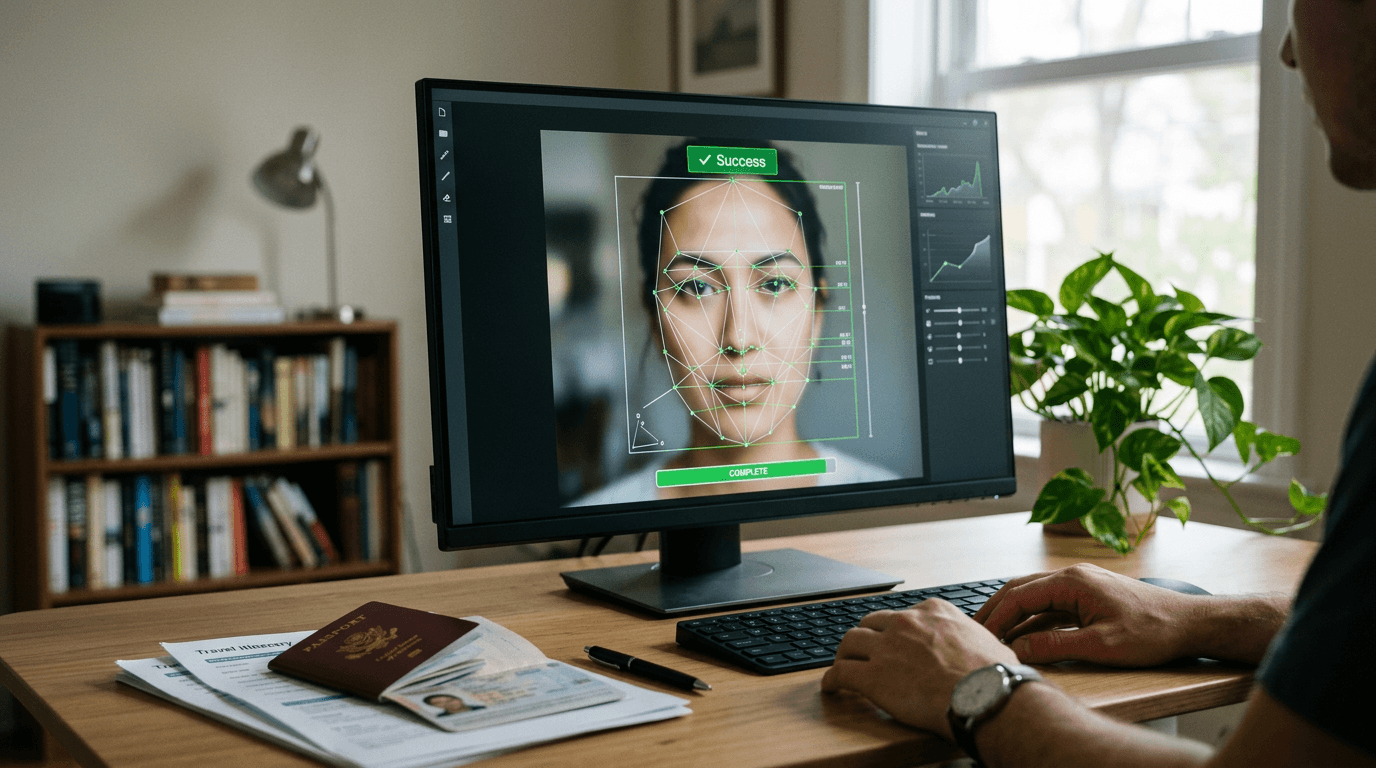
A rejected passport application delays travel plans and forces you back to the start of a bureaucratic queue, usually because a shadow fell across a shoulder or a head measurement missed the strict biometric threshold by two millimeters. Before you print or upload a digital file, running it through an online passport photo checker stops these rejections at the source. This validation step replaces the manual measurement and guesswork of home photography with automated biometric scanning, evaluating the file against exact government specifications before you pay application fees.
Quick Summary
An online passport photo checker is a digital validation tool that analyzes your image against specific government biometric standards, identifying compliance failures in lighting, background, and facial proportions before submission.
- Automated checkers scan for specific dimensional requirements rather than general photo quality.
- Commercial options often tie their validation to a financial compliance guarantee.
- Some platforms operate entirely in the browser, while others require application downloads.
- Verification layers vary from purely algorithmic checks to human expert reviews.
Table of Contents
- How to Choose an Online Passport Photo Checker
- 1. PhotoAiD
- 2. PhotoPass
- 3. PhotoGov
- 4. Passport Photo Online
- 5. PhotoBooth Online
- Matching the Tool to the Timeline
- Recommended Reads
How to Choose an Online Passport Photo Checker
Comparing these utilities requires looking past their upload screens to understand how they process your data and what recourse they offer if their validation fails. The underlying technology across the market relies on similar facial recognition and cropping algorithms. What actually separates them is their commercial model and how they structure their verification process.
We categorize these tools into three distinct operational models:
Premium Guarantee: These platforms charge higher upfront fees but attach significant financial liability to their verification. If a government agency rejects a photo they approved, they refund the cost, sometimes at a multiple of the original price. This model suits applicants facing tight deadlines where a rejection would result in costly travel delays.
Pay-Per-Output: Operating on a transactional basis, these tools charge a flat fee for each successfully formatted and validated photo download. They strip away the complex subscription mechanics and focus purely on delivering the specific file you need right now.
Subscription Based: Designed for volume, these services charge a recurring monthly fee for access to their validation and formatting tools. This model rarely makes sense for a single applicant but fits administrative teams, large expatriate families, or businesses processing multiple travel documents continuously.
Practical rule: Never evaluate a checker based on how visually appealing the final photo is; the only metric that matters is whether the output file dimensions and background pass the specific government biometric scanner.
Understanding United States Baby Passport Photo Guide requirements shows how rigid these specifications are. A tool must handle these exact constraints without relying on subjective human judgment for the initial crop.
1. PhotoAiD
An upload error on a government portal often catches families by surprise during late-night passport applications. PhotoAiD intercepts this process by providing a biometric analysis platform that validates and formats images before they reach the official submission gateway. Buyers looking for peace of mind benefit from its premium guarantee setup, which anchors technical validation to a financial promise.
At its core, the platform uses a proprietary algorithm to map facial features, ensuring the distance between the chin and the crown falls precisely within official limits. It actively strips the original background and replaces it with the mandated solid color, adjusting the digital file's properties to meet specific pixel requirements. According to its published pricing, the base rate for a U.S. passport digital photo is $13.95. For applicants who want an additional layer of certainty, it offers a $5.95 optional add-on named 'Expert check & acceptance guarantee' that provides a double refund if the photo is rejected.
The human layer increases validation time
The technical limit of this service surfaces in that expert check layer. Because the premium guarantee relies on a human reviewing the algorithmic output, it introduces a processing delay that fully automated systems avoid. If you are uploading a photo minutes before an application appointment, waiting for human verification breaks the workflow. Trustpilot data shows it has a rating of 4.7 out of 5 stars based on over 13,000 reviews, indicating high reliability when time permits. The service also features a mobile application designed for iOS devices, pushing users toward a mobile-first workflow.
I would bypass this add-on if I were simply checking passport photo online validity for a secondary ID, but I would pay for the human review if I were submitting a complex visa application with high government processing fees.
Pros
- Double refund policy shifts compliance risk away from the user.
- iOS application simplifies the workflow for mobile users.
- Background removal happens automatically without manual masking.
Cons
- Human expert review adds wait time to the final output.
- Base digital file pricing sits higher than basic automated tools.
- Refund claims require official government rejection documentation.
2. PhotoPass
Unlike heavy mobile applications that demand device storage and account creation, PhotoPass operates as a lightweight, browser-bound validation engine. It sits squarely in the Pay-Per-Output category, though it offers a split functionality based on the country selected. The platform is designed for users who already have an image and simply need to know if the file passes standard biometric constraints.
This utility processes images directly in the web environment. It provides free unchanged-original checker routes for U.S., UK, Canadian, and Australian passport files, simply reading the uploaded image data against a known database of requirements without altering the file. If you need it to actually format and prepare the file, it charges a one-time fee of $2.99 per prepared output for supported Indian documents and U.S. 2x2 paper formats. It operates fully inside the browser without requiring any account sign-up or mobile app downloads, lowering the friction for immediate use. Data hygiene is built into the workflow: it encrypts and automatically deletes uploaded operational photo files within 24 hours.
Browser dependency restricts offline utility
Because this tool lives entirely in the browser and processes data on its servers, it fails completely if you have an unstable internet connection or strict corporate firewall blocking image uploads. It offers no native mobile app fallback. It is a strict validator first and a formatting tool second, meaning if your raw photo is fundamentally flawed in lighting, the free route will simply tell you it failed without fixing it.
This is the tool I would use to quickly verify a batch of photos taken by a local pharmacy before paying for them, but it would not be my choice if I needed advanced automated background replacement for a complicated original image.
Pros
- Free validation available for major English-speaking jurisdictions.
- Zero account creation required to process standard images.
- Automatic file deletion after 24 hours protects user data.
Cons
- Requires a continuous, stable web connection to function.
- Only formats a narrow band of specific document types.
- Does not offer a standalone mobile application.
3. PhotoGov
Administrative assistants and expatriate coordinators often find themselves formatting documents for multiple different countries in a single afternoon. PhotoGov attacks this specific bottleneck by functioning as a broad template editor that covers a massive array of global document standards. Positioned within the Subscription Based category for power users, it also accommodates single-use applicants.

Mechanically, the tool maps the uploaded image to specific national templates, adjusting the aspect ratio and digital weight of the file to match destination-specific portals. To support different submission volumes, the platform offers a $6.90 digital download, an optional $4.90 human verification add-on, or a $9.90 monthly subscription. Like its competitors, it offers expert human verification as an add-on. Trustpilot reviews highlight its overall reliability.
Subscription pricing penalizes the one-off user
Choosing the subscription model makes mathematical sense only for high-volume processing. For a standard applicant who needs a single photo only occasionally, accidentally leaving the monthly subscription active turns a cheap utility into a recurring drain. Furthermore, its interface leans toward template selection rather than automated wizardry, requiring the user to know exactly which document variant they need.
I would deploy this platform immediately if I were managing a corporate travel desk, but I would steer clear if I were a single parent just trying to format one infant travel document.
Pros
- Subscription tier dramatically lowers cost per photo for high-volume users.
- Supports a vast library of international document templates.
- Base digital download fee remains competitive.
Cons
- Monthly recurring fees can catch single-use applicants off guard.
- Template selection requires precise knowledge of the target document.
- Human verification add-on nearly doubles the base cost.
4. Passport Photo Online
Mobile-first users expect the camera app to do the heavy lifting. Passport Photo Online bridges the gap between raw smartphone selfies and rigid institutional requirements by analyzing the photo at the moment of capture. As a Premium Guarantee solution, it relies heavily on its compliance safety net to justify its premium commercial positioning.
When a user points their camera, the software immediately evaluates lighting uniformity and background contrast before the shutter even clicks. It then processes the file, crops the head to exact specifications, and readies it for print or digital submission. To secure its premium positioning, the service charges $16.95 for a digital photo and $19.95 for printed physical copies, both backed by a 200% double-your-money-back guarantee if the output is rejected. It is available for download as a dedicated mobile application for iOS and Android platforms, maintaining highly positive ratings on Trustpilot.
Premium pricing outpaces basic digital needs
The primary constraint of this platform is commercial. Paying nearly twenty dollars for physical prints via mail is an inefficient route when local pharmacies can print a compliant digital file for pennies. The delivery wait time for physical prints also negates the speed advantage of using a digital passport online checker in the first place.
If you have a history of passport rejections and need absolute financial reassurance, this is the tool to use, but I would look elsewhere if you simply need a cheap digital file to upload to a web portal today.
Pros
- The 200% refund guarantee is the strongest financial protection available.
- Native apps for both iOS and Android optimize the capture process.
- Offers physical print delivery for users without local pharmacy access.
Cons
- Highest digital file price point among the verified options.
- Physical delivery adds days to the document timeline.
- Mail-in prints introduce physical transit risks to the timeline.
5. PhotoBooth Online
For applicants specifically targeting the American bureaucratic system, generic global tools sometimes miss nuanced local requirements. PhotoBooth Online narrows its focus to operate as a specialized web-based photo editor and verification utility specifically for U.S. passport applications. It operates in the Premium Guarantee category by wrapping its output in a specific time-bound refund window.
The tool ingests the user's file and immediately converts uploaded photos to a cropped 2x2 inch square format on a plain white background with reviewed alignment. It strips away complex global menus; you are either processing a U.S. document or you are in the wrong place. It provides a 60-day money-back refund guarantee if the processed photo is rejected by the passport agency, giving applicants plenty of time to navigate standard government processing delays. It features a public score of 4.6 stars on the Trustpilot platform, supported by 1.9k customer reviews.
Single-market focus abandons global travelers
Because the platform hyper-focuses on the 2x2 inch U.S. standard, it is completely useless for travelers applying for a Schengen visa or a Canadian passport, which require entirely different dimensions and head sizing protocols. You cannot force this tool to output a 35x45mm file.
I would direct any U.S. citizen renewing their domestic document to this streamlined interface, but I would immediately rule it out for an international student needing a diverse set of global visa sizes.
Practical rule: Verify the processing time of your local passport agency before choosing a tool based on its refund window; a 30-day guarantee is worthless if the government takes 8 weeks to review and reject your file.
Pros
- Hyper-optimized specifically for the U.S. 2x2 inch requirement.
- 60-day refund window aligns well with actual government processing times.
- Web interface avoids unnecessary app installations.
Cons
- Incompatible with European or Asian visa size requirements.
- Lacks a dedicated mobile application for offline capture.
- Does not offer subscription tiers for high-volume processors.
Matching the Tool to the Timeline
Choosing the right validation utility depends entirely on your specific workflow, your deadline, and your tolerance for bureaucratic risk. Selecting a tool from the wrong category will either bottleneck your application or inflate your costs unnecessarily.
If you need a Premium Guarantee to sleep soundly after submitting a high-stakes application, PhotoAiD and Passport Photo Online provide the financial safety nets necessary to offset government rejection risks. They cost more, but they shift the compliance burden entirely off your shoulders.
When your volume spikes and you need a Subscription Based approach to handle multiple international formats for a corporate team or a large family, PhotoGov provides the template depth required to manage varied global standards without paying a premium for every single file.
For simple, one-off validations where you just need to clear the technical hurdle today, a Pay-Per-Output model like PhotoPass delivers the specific biometric checks you need without trapping you in a recurring billing cycle or forcing you to subsidize a guarantee you do not want.