5 Verified Platforms for a Passport Photo Online USA Applications Require in 2026
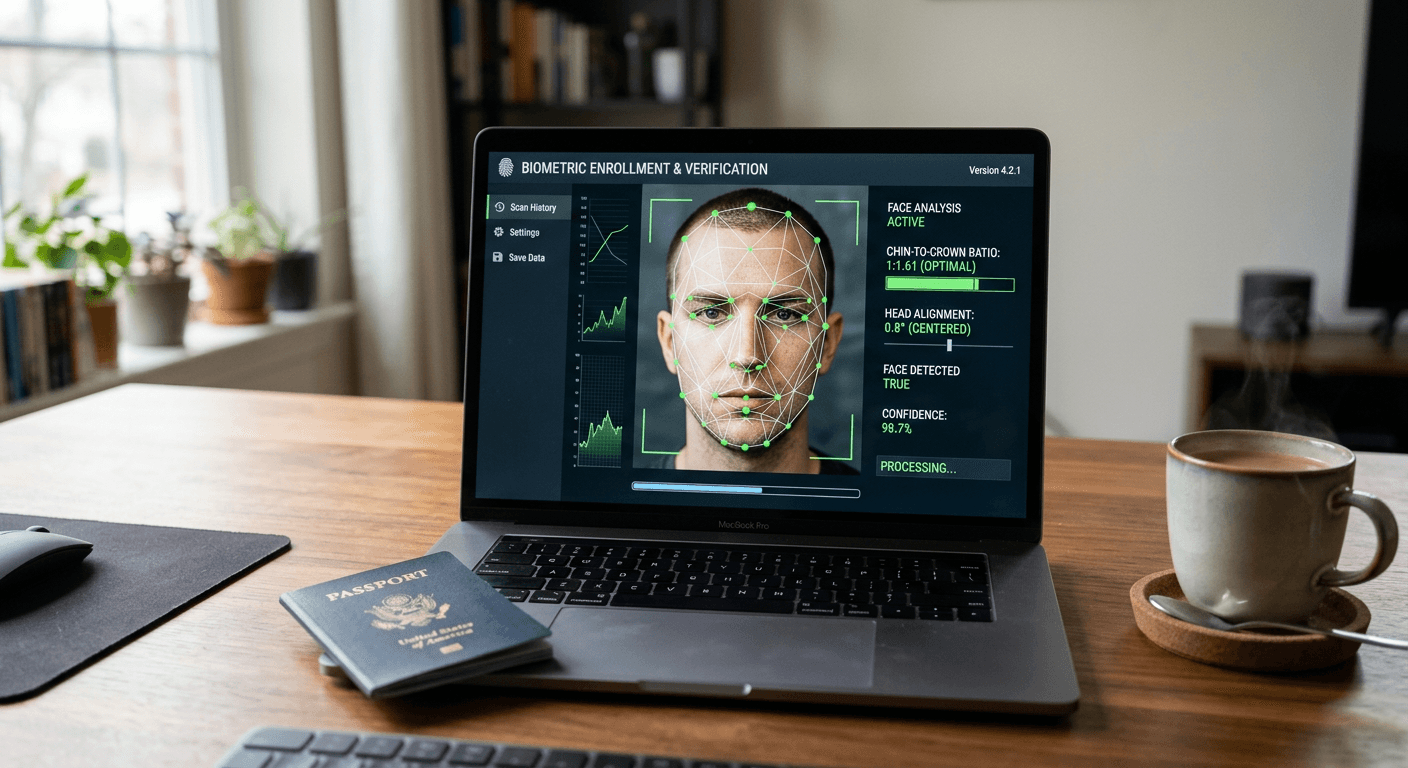
The rejection letter arrives with a single checkbox ticked under "Photograph Requirements": unacceptable background or improper head proportion. You now have 90 days to submit a compliant biometric image before the State Department abandons the application entirely. Securing a primary passport photo online usa applicants can rely on requires navigating strict biometric constraints - resolution, eye-level placement, and neutral expression - without defaulting to a pharmacy studio.
Quick Summary
Generating compliant biometric documentation remotely requires software that mathematically evaluates facial landmarks against federal constraints before cropping the frame. Evaluating the ideal processing architecture ensures your submission passes State Department scrutiny on the first attempt without triggering processing delays.
- Software validates head height to sit strictly between 1 and 1 3/8 inches.
- Background removal relies on machine learning to isolate hair boundaries.
- Local processing tools bypass cloud storage to protect applicant privacy.
- Hybrid platforms introduce human review to catch physical glare on skin.
Table of Contents
- Understanding Biometric Processing Architecture
- 1. PhotoGov
- 2. PhotoBooth Online
- 3. Passport Photo Online
- 4. PhotoAiD
- 5. PassportPhotoSnap
- Matching Processing Architecture to Your Timeline
- Recommended Reads
| Product | Processing Architecture | Features | Pros | Cons | Target Audience |
|---|---|---|---|---|---|
| PhotoGov | Fully Automated Cloud Processors | Exif data standardization, background isolation | Scalable output, supports PDF formats, fixed monthly subscription available | Extra fee for human review, digital file lacks print template, cloud storage required | Frequent travelers needing multiple formats |
| PhotoBooth Online | Hybrid Human-AI Reviewers | 4x6 print templates, manual expert verification | Free replacement guarantee, physical shipping included, high Trustpilot rating | Shipping adds variability, template requires separate printing hardware, premium physical cost | Applicants applying via physical mail |
| Passport Photo Online | Hybrid Human-AI Reviewers | State Department compliance algorithms, mobile app ecosystem | Massive user validation, native mobile experience, rapid digital editing | Relies heavily on device camera quality, app installation required, opaque backend processing | Mobile-first users seeking guided capture |
| PhotoAiD | Hybrid Human-AI Reviewers | Dual automated and manual checks, unlimited cropping previews | Pre-purchase evaluation, expert oversight, printable templates included | Highest upfront cost, free tier is only a preview, processing pipeline involves multiple parties | Users willing to pay a premium for certainty |
| PassportPhotoSnap | Local Privacy Utilities | WebAssembly processing, offline execution | No data transmitted, immediate browser processing, eliminates server latency | Demands modern device memory, lacks human oversight, no physical fulfillment | Privacy-conscious applicants processing sensitive IDs |
Understanding Biometric Processing Architecture
The federal standard for identity documents extends far beyond a white background. When you submit a us passport photo online, the image undergoes automated screening to verify the color space is sRGB, the resolution sits at 300 pixels per inch, and no digital manipulation has altered the applicant's facial features. Failing these checks triggers immediate delays.
The underlying mechanism defining these tools is their processing architecture. We evaluate these platforms across three distinct categories:
Fully Automated Cloud Processors rely entirely on machine learning algorithms hosted on external servers to map facial landmarks, calculate the chin-to-crown ratio, and extract the background. They are fast but rely on strict input quality.
Hybrid Human-AI Reviewers run the initial crop and background removal through a server-side algorithm but route the final composite to a human operator. The operator manually checks for variables algorithms miss, such as a slight red-eye effect or subtle shadows cast behind the ears by improper room lighting.
Local Privacy Utilities execute the complex mathematical operations entirely inside your web browser. Instead of transmitting your portrait to a remote server, these tools download the necessary biometric checking algorithms to your device. This architecture eliminates data transmission entirely, ensuring absolute privacy over sensitive documents.
Practical rule: Compare the cost of technical failure against the baseline cost of the service; an automated tool that saves ten dollars costs significantly more if a resulting rejection delays a scheduled international departure.
Navigating these platforms also requires understanding the precise dimensions listed in the United States Baby Passport Photo Guide, as adult and infant requirements often differ in acceptable head postures.
1. PhotoGov
How much does a biometric conversion cost? In the United States, buyers typically compare the $5.90 digital photo file, the $9.90 printable file, and the $9.90 monthly subscription. PhotoGov positions itself as a streamlined processing engine that converts casual selfies into tightly cropped biometric profiles using server-side algorithms.
Operating as a fully automated cloud processor, the architecture maps 68 facial landmarks to identify the face's bounding box when an image enters the system. It then scales the image to ensure the head measures precisely between 1 inch and 1 3/8 inches vertically. Background pixels are discarded and replaced with a uniform #FFFFFF white layer to meet standard regulations. For users requiring ongoing documentation, a monthly subscription includes unlimited photo generation and access to JPEG, PNG, and PDF formats.
Modular pricing masks the true cost of compliance certainty
Segregating human oversight from the base tier inherently restricts the system. Expert human verification remains an optional checkout add-on. Its availability varies by region. Without this add-on, the tool assumes the user has perfectly illuminated their face, risking rejection if ambient shadows trigger a failure at the passport agency. Time-sensitive applications warrant absorbing the added cost of the human review tier.
Applicants managing ongoing visa processes across multiple borders should leverage the subscription model to standardise their documentation.
Pros
- Processes documents rapidly through an automated pipeline
- Supports multiple export formats including PDF
- Monthly subscription drastically lowers per-image cost for heavy users
Cons
- Base processing lacks manual human oversight
- Printable file tier carries a steep markup over the digital version
- Cloud transmission introduces minor privacy considerations
2. PhotoBooth Online
Does the provider stand behind the technical output if the State Department rejects the physical print? PhotoBooth Online addresses this primary concern by coupling algorithmic screening with manual review, operating firmly within the Hybrid Human-AI Reviewers category.
The tool utilizes a dual-stage pipeline. Initially, the software assesses resolution density and facial alignment. Once the automated system clears the basic geometry, the file routes to an expert who visually inspects the portrait for nuanced violations like unnatural skin tones or subtle background gradients. A high-resolution digital photo and a 4x6 template for printing is priced at $2.95. For users requiring tangible fulfillment, a pack containing 6 physical 2x2 prints and the digital copy costs $9.95, which includes free USPS shipping and tracking.
Physical print logistics introduce unnecessary application delays
Relying on this platform's fulfillment arm ties your application timeline to postal transit. While the service provides a 60-day money-back guarantee or a free replacement if the passport photo is rejected, receiving a replacement via mail does not recover the weeks lost in processing. The platform has an average rating of 4.6 out of 5 stars based on 1.9K reviews on Trustpilot, confirming high compliance, but physical delivery introduces variability. We would avoid relying on the mailed print option if an embassy appointment is scheduled within the same fortnight.
Users submitting documentation via physical mail should utilize this service to receive perfectly cut hard copies directly to their mailbox.
Pros
- Integrates expert manual review at a low price point
- Free USPS shipping tracks physical deliveries reliably
- Offers a robust 60-day money-back guarantee
Cons
- Physical mail delivery adds days to the application timeline
- Requires trusting a remote reviewer with sensitive personal data
- Replacing a rejected physical print restarts the shipping clock
3. Passport Photo Online
The trigger event sending teams to look for specialized software is usually realizing a smartphone camera roll is full of heavily shadowed portraits that no government scanner will ever accept. Passport Photo Online tackles this by offering a digital booth that edits, resizes, and verifies ID photos specifically for State Department compliance.
Operating in the Hybrid Human-AI Reviewers category, this software dynamically measures the distance from the bottom of the chin to the top of the head against federal templates. It corrects minor perspective distortions caused by wide-angle smartphone lenses, ensuring the facial plane remains parallel to the sensor. The service holds a rating of 4.8 out of 5 stars on Trustpilot based on 21K reviews, highlighting extensive market penetration and refinement of its backend algorithms.
High user volume does not negate hardware dependency
What limits this platform is its fundamental reliance on the initial capture hardware. Because it aggressively edits and resizes, submitting a low-resolution file from an older mobile device forces the algorithm into heavy pixel interpolation. This upscaling can introduce digital artifacts that a federal scanner flags as "unnatural manipulation." Navigating such technical hurdles often requires checking the processing frameworks usually outlined in a platform's Terms & Conditions to see what image degradation is acceptable. We would not utilize this tool to salvage heavily compressed images saved from social media messaging apps.
Applicants capturing fresh portraits on modern mobile hardware should choose this tool for its highly refined compliance algorithms.
Pros
- Algorithm specifically targets State Department compliance metrics
- Extensive user base provides proven validation
- Edits perspective distortion from wide-angle lenses
Cons
- Cannot salvage heavily compressed or low-resolution input files
- Pixel interpolation triggers manipulation flags on older devices
- Requires transmitting uncompressed data over mobile networks
4. PhotoAiD
The mistake applicants make when evaluating biometric software is assuming all premium services charge merely for the initial upload rather than the final verification pass. PhotoAiD operates as an AI-driven online passport photo creator with verification checks performed by automated systems and human photo experts.
Sitting in the Hybrid Human-AI Reviewers category, the platform separates the preview phase from the validation phase. Users are permitted to upload and crop unlimited photos for preview entirely free of charge. This allows the applicant to test multiple lighting scenarios against the system's geometric overlays before committing financial resources. A digital image combined with a printable template costs $16.95, while two printed 2x2 photos and a digital copy is priced at $19.95. PhotoAiD features a rating of 4.7 out of 5 stars based on 13K reviews on Trustpilot.
Unlimited preview uploads operate as a highly effective funnel
The constraint here is commercial rather than technical. While searching for a us passport photo online free tier, users find this platform's free preview highly capable for framing, but completely locked down for actual exportation. The $16.95 entry point for a digital file sits at the absolute ceiling of the market, effectively charging a massive premium for the human validation step that other providers bundle for less. We would skip this provider if the baseline budget for application logistics is already strained.
Individuals who struggle to achieve proper lighting and need to test dozens of shots before paying should deploy this software.
Pros
- Allows unlimited photo uploads for free compliance testing
- Expert manual checks catch complex lighting failures
- Printable templates align perfectly with standard paper sizes
Cons
- Commands the highest digital file price on the market
- Free tier offers absolutely no export capability
- Premium pricing does not expedite the actual shipping timeline
5. PassportPhotoSnap
The browser fetches a WebAssembly module, executing the biometric cropping algorithms locally against the device's CPU rather than transmitting the payload across a network. PassportPhotoSnap is a privacy-first utility that entirely rethinks how an online passport photo should be processed.
Defining the Local Privacy Utilities category, this tool moves the heavy computational lifting to the client side. By leveraging WebAssembly, the software performs background isolation, facial landmark detection, and DPI adjustments locally inside the user's browser. The photo processing runs completely locally on the device, meaning photos are not uploaded to external servers. This zero-transmission mechanism guarantees that no third party ever retains a copy of the biometric data.
Device-side execution demands higher hardware competence
The stark reality of avoiding cloud computing is that your own machine must carry the load. Processing a 12-megapixel raw file through an in-browser WebAssembly algorithm requires significant available RAM and a modern processor. Attempting to run this on an older, memory-constrained laptop frequently crashes the browser tab mid-export, leaving the applicant with nothing. Furthermore, there is absolutely no human fallback; the software applies a strict mathematical crop and leaves subjective lighting assessments entirely to the user. We would heavily caution against using this tool if you cannot confidently identify uneven shadows on your own.
Security professionals and privacy-conscious users processing sensitive identification data on modern hardware should utilize this utility exclusively.
Pros
- Ensures absolute privacy by eliminating server uploads
- Executes instantly without network latency bottlenecks
- Protects biometric data from third-party retention policies
Cons
- Demands significant local memory and CPU resources
- Lacks any human expert review for subtle lighting failures
- Prone to crashing older web browsers during high-resolution exports
Matching Processing Architecture to Your Timeline
Matching the technical mechanism to your specific administrative burden is what prevents a biometric rejection from halting your application.
If your primary constraint is data security, the Local Privacy Utilities category provides the only true zero-knowledge workflow. Executing biometric algorithms inside the browser ensures the data never leaves the physical machine, making it ideal for highly sensitive identity processing where cloud storage poses an unacceptable risk.
For those balancing cost against volume, Fully Automated Cloud Processors deliver the fastest output. Relying purely on machine learning to determine the chin-to-crown ratio strips away the overhead of human operators, suiting users who frequently need fresh documentation for varying international requirements and who possess the photographic skills to provide perfectly lit input files.
When compliance certainty outweighs processing speed, Hybrid Human-AI Reviewers remain the standard. The combination of automated geometric checks and a final human pass catches the nuanced errors - like a faint shadow behind the ear - that frequently trigger federal rejections. This architecture provides the necessary safety net before evaluating US & International Baby Passport Photo Requirements & Guides to finalize the paperwork.