6 Best Passport Photo Template & Cropper Tools for 2026
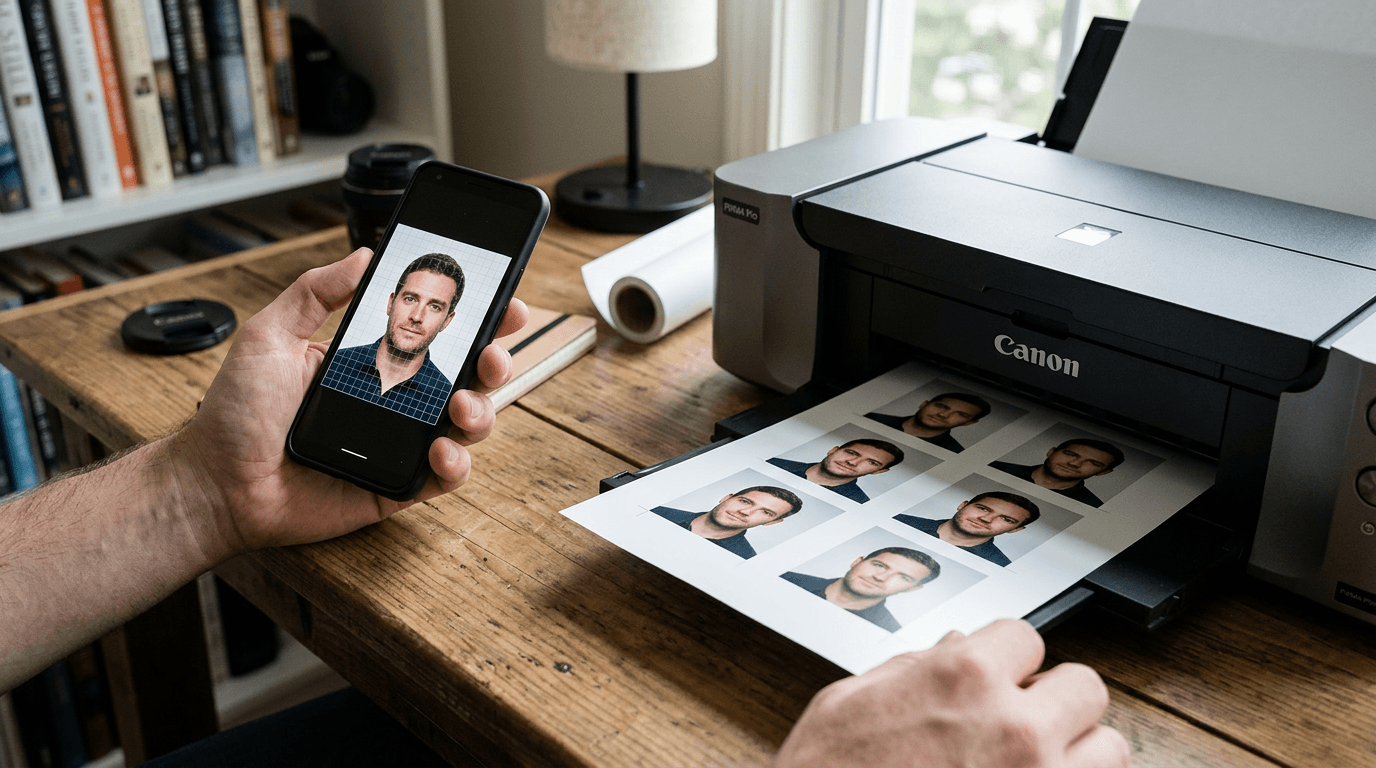
An applicant typically discovers their photo is non-compliant only after waiting six weeks for processing, staring at a rejection letter because the submitted portrait's head size measured 36 millimeters instead of the strict 35-millimeter maximum. Fixing this requires precise formatting long before the application goes into the mail. Finding the right passport photo template is about locking in specific biometric ratios, verifying pixel density, and isolating the background without leaving artificial artifacts around the subject's hair. This guide examines the tools that actually enforce these dimensions, breaking down how they manipulate image data and where their processing limits lie.
Quick Summary
A compliant photo must meet strict federal dimensions, and digital cropping tools either automate this alignment or provide manual overlays to enforce the boundaries. Relying on accurate software prevents the biometric rejections that delay travel documents.
- The government's own utility handles exact physical boundaries but ignores lighting errors.
- Automated apps strip backgrounds and adjust head sizes through machine learning.
- Client-side browser croppers guarantee data privacy by keeping image processing strictly on the local device.
- Pure scaling tools require high-quality source images since they do not fix bad exposure.
Table of Contents
- Buying Guide: Choosing the Right Processing Method
- 1. U.S. Department of State Photo Tool
- 2. PhotoGov
- 3. PhotoAiD
- 4. Passport Photo Online
- 5. Passport Photo Snap
- 6. 2x2 Photo Cropper
- Mapping Your Situation to a Solution
- Recommended Reads
| Product | Processing Method | Features | Pros | Cons | Target Audience |
|---|---|---|---|---|---|
| U.S. Department of State Photo Tool | Official Government Tool | Manual overlay, dimension enforcement, web-based | Free to use, Official federal utility, No third-party data sharing | No background removal, Cannot detect bad lighting, Fails on large file sizes | Applicants with professional source images |
| PhotoGov | AI-Automated App | Biometric scanning, auto-scaling, template mapping | Instant processing, Exact dimension locking, Removes manual dragging | Cannot override crop, Misjudges complex hair, Requires clear background | Users processing standard federal forms |
| PhotoAiD | AI-Automated App | Background substitution, face scaling, mobile app | Replaces cluttered backgrounds, Corrects off-white walls, Fast rendering | Clips low-contrast edges, Artificial outlines on dark hair, Paid output | Applicants shooting in everyday spaces |
| Passport Photo Online | AI-Automated App | Two-step verification, expert review, algorithmic crop | Human oversight catches glare, High compliance rate, Polished final file | Slower turnaround time, Premium pricing model, Overkill for basic crops | Travelers avoiding rejection delays |
| Passport Photo Snap | Browser-based Cropper | Client-side scripting, offline rendering, manual alignment | Zero server uploads, Immediate local export, High data privacy | Slow on older devices, Lacks edge detection, Relies on manual skill | Privacy-conscious corporate users |
| 2x2 Photo Cropper | Browser-based Cropper | 1:1 aspect mask, EXIF stripping, basic panning | Instant load time, Zero file compression artifacts, Free interface | No biometric guidance, User responsible for ratios, Basic interface | Retail operators needing square formats |
Buying Guide: Choosing the Right Processing Method
Not every us passport photo cropper handles image data the same way. The criteria that genuinely separate these options are how and where the cropping executes. Evaluating an application based solely on its interface misses the underlying mechanism handling your sensitive biometric data. When reviewing a United States baby passport photo guide, you quickly realize that the processing method dictates whether a tool helps or hinders your submission. We classify these solutions into three specific categories.
An Official Government Tool is hosted on federal servers and provides the baseline manual templates used by the agency itself. It relies entirely on the applicant dragging the image to fit a rigid overlay. It offers no algorithmic assistance, meaning it will never fix your lighting or warn you about background textures. It should never be compared against intelligent software, as it exists merely to enforce an outer physical dimension.
An AI-Automated App actively alters the pixels in your source file. It scans the face, measures the distance between the chin and the crown, separates the subject from the background, and replaces the surrounding pixels with pure white. This category is built for users who lack a blank wall and need the software to synthesize a compliant environment.
A Browser-based Cropper executes entirely on your local machine using client-side scripts. The image data never leaves your device. These tools offer manual alignment without the privacy risks associated with uploading portraits to a remote server. They bridge the gap between basic dimensional formatting and strict data sovereignty, though they require the user to handle all biometric compliance checks manually.
1. U.S. Department of State Photo Tool
Why do applicants look elsewhere when the U.S. government provides its own official web-based cropping utility to resize and format photos for passport and visa submissions? This free platform targets applicants who already have a perfectly captured source image and only need to punch it down to exact square dimensions.

Because it functions as an Official Government Tool, the software operates by overlaying a digital mask onto an uploaded JPEG. You manually drag the anchor points so the subject's crown and chin sit perfectly between the highlighted threshold lines. The tool relies entirely on the user's manual dexterity. There is no background detection, shadow mapping, or algorithmic color correction. The final output is simply cropped to a square matrix, stripping out the surrounding pixels to meet the baseline physical dimension criteria. Furthermore, the browser interface operates without modern server-side processing, meaning large raw files from high-megapixel smartphone cameras often cause the script to hang. You frequently have to pre-compress the image to meet its upload limits before the page will even render the photo.
Free access lacks automated validation
Because this tool only handles manual cropping, it cannot tell you if your lighting is too harsh or if the background has an unacceptable gradient. The honest limit here is its complete lack of compliance feedback; if you align the chin marker correctly but the photo is severely underexposed, the tool will still generate a visually flawed output that the agency will later reject. It enforces the border, not the biometrics.
I would select this utility if I possessed a professionally lit, pre-compressed portrait and just needed to enforce the absolute physical dimensions for submission.
Pros
- Directly provided by the federal processing agency
- Zero cost to generate the cropped file
- Does not retain personal image data on external marketing servers
Cons
- Fails to process large source images from modern cameras
- Offers zero feedback on lighting or background compliance
- Requires high manual precision to align the facial markers
2. PhotoGov
Unlike manual overlays that demand precision dragging, this automated online passport photo maker, editor, and cropper formats portraits to 2x2 inch guidelines for US official documents. It targets users submitting standard federal paperwork who want zero guesswork in their framing.
This AI-Automated App uploads your source file to a processing server where a script scans for biometric landmarks. It identifies the top of the head and the bottom of the chin, calculating the distance to ensure it falls precisely within the 1-inch to 1.375-inch federal requirement. It then scales and crops the image around a calculated vertical center line. This process removes the physical effort of dragging a crop box. By mathematically mapping the face, it forces the image into compliance without relying on the user's hand-eye coordination.
Document-specific formatting removes manual correction
The system maps the image against a known US passport photo template. It adjusts pixel density to match official thresholds. This rigid workflow dictates the tool's boundaries. It strictly handles standard official document formats. There is no room for manual tweaking. If the auto-crop misjudges a voluminous hairstyle, it cuts off the top of the head. When the algorithm fails to distinguish between dark hair and a background shadow, users cannot override the crop lines to fix the framing themselves.
Practical rule: If a tool scales an image down automatically, check the final export resolution. A perfectly cropped image that drops below 300 DPI will still fail official agency processing.
I would use this application when processing multiple family members for standard USCIS forms and needing strict output consistency without manual scaling.
Pros
- Calculates chin-to-crown distances automatically
- Locks the output to exact federal pixel densities
- Eliminates the need for manual cropping adjustments
Cons
- Prevents manual overrides when the algorithm misjudges hair boundaries
- Requires a distinct contrast between the subject and the background
- Offers no flexibility for non-standard document ratios
3. PhotoAiD
Removing a cluttered bedroom background is the primary bottleneck for home photographers, which is why this AI-powered mobile app and online tool automatically crops, resizes, and removes backgrounds for compliant portraits. It serves applicants attempting to produce official documentation from everyday living spaces.
Rather than relying on a blank wall, this AI-Automated App uses a machine-learning model trained on facial segmentation. When you upload an image, the model separates the foreground subject from the background elements. It drops the original background and substitutes a pure white or off-white digital layer. Following this substitution, it scales the face to meet standard proportions and applies basic color correction to ensure the skin tones remain natural against the stark new background. If you are consulting US & International baby passport photo requirements & guides, you will notice how strictly foreign governments regulate background shades, making this substitution crucial.
Background replacement handles challenging source environments
The substitution process prevents rejections caused by textured wallpaper or household shadows. However, the background removal engine is not flawless. The honest limit of this tool is its reliance on distinct edge contrast; if the subject wears a white shirt against a bright background, or if low lighting blurs the edge of the hair, the AI will clip parts of the subject. This creates an artificial, jagged outline that officials immediately flag as heavily edited.
You can mitigate this by photographing the subject in bright, even daylight to give the software hard edges to read. Rely on this tool when you simply cannot access a plain background and need sophisticated software to synthesize one.
Pros
- Synthesizes compliant backgrounds from cluttered environments
- Automatically adjusts color balance against the new white backdrop
- Mobile deployment allows immediate capture and processing
Cons
- Generates jagged outlines on low-contrast source files
- Charges a premium for final high-resolution downloads
- Fails to process subjects wearing clothing that matches the background
4. Passport Photo Online
Assuming software catches every shadow is a mistake that delays applications, which is why this online digital booth and app uses AI alongside expert verification to format photos to official specifications. It targets users who cannot afford the timeline delay of a rejected submission.
The workflow of this AI-Automated App operates in two distinct phases. First, an automated script runs an initial pass to crop photo for us passport ratios, adjust the background, and check basic head proportions. Second, the processed file enters a queue where a human operator reviews the image against specific government criteria. The human reviewer checks for red-eye, uneven lighting across the cheeks, and neutral expressions - nuances that biometric algorithms frequently misinterpret as acceptable. This dual approach bridges the gap between fast software rendering and meticulous compliance checking.
Dual verification minimizes rejection risk
Combining algorithmic cropping with manual oversight catches edge cases that pure software misses, such as a subtle smile or glare on eyeglasses. This layered checking constitutes the platform's honest limit: the addition of expert verification introduces processing time and a paywall, meaning it is not a free, instant offline tool you can run at the last minute. The human element fundamentally changes the transaction from a quick software utility to a measured, deliberate service.
You must factor in the turnaround time before planning to print the document. I would select this approach when the cost of a rejected application threatens an expensive visa or urgent travel plans, making the extra verification step absolutely necessary.
Pros
- Human review catches lighting errors algorithms miss
- High success rate for strict visa applications
- Evaluates facial expressions alongside physical dimensions
Cons
- Processing takes significantly longer than pure software tools
- Costs more than basic automated cropping utilities
- Overkill for users who already possess studio-quality images
5. Passport Photo Snap
When corporate data policies forbid uploading employee portraits to external servers, users need a privacy-first online passport and ID photo tool that processes photos locally in the user's web browser. This tool is built specifically for individuals handling sensitive biometric data or managing high-volume enterprise compliance.

Because it is a Browser-based Cropper, the application loads entirely within your browser cache and executes client-side JavaScript to perform the cropping. The image data never transmits over an external network, meaning there is no server-side storage or external API call. The user uploads a file, the browser script applies the mask, and the output renders immediately on the local machine. Reading a standard privacy policy reveals how often third parties retain biometric files; this local architecture ensures absolute data sovereignty while still providing template-based alignment.
Local processing guarantees immediate data privacy
Keeping the image on the device eliminates the risk of unauthorized biometric data harvesting. However, this architecture dictates the honest limit: reliance on device-side processing means older smartphones or computers with limited memory often struggle to execute the rendering smoothly. The browser tab can freeze before the final image exports if the source file is too large, as it lacks the heavy cloud computing power required for seamless manipulation.
Practical rule: Never rely on auto-crop software to fix deep shadows cast across the face; fix the ambient room lighting before ever taking the picture.
I would pick this option if uploading sensitive biometric data to a third-party server violates your personal privacy rules, provided you already have a well-lit image.
Pros
- Processes files without uploading data to external servers
- Executes immediately without waiting in a cloud queue
- Avoids aggressive marketing and data retention policies
Cons
- Hangs or crashes on devices with low available memory
- Lacks the computing power for advanced background removal
- Requires the user to manually verify lighting compliance
6. 2x2 Photo Cropper
Loading an image into a fixed browser container without advanced algorithms is often the fastest path to compliance for high-quality files. This free Browser-based Cropper is built specifically to resize and format photos to exact 2x2 inch dimensions for US and Indian documents. It is for the technically proficient user who only requires strict dimension enforcement.
The mechanism is intentionally rudimentary. The tool applies a strict 1:1 aspect ratio mask over the uploaded file, enforcing the exact 600x600 pixel dimension required for standard printing. The user pans and zooms the underlying image to fit the square. During export, the client-side script strips the EXIF data to reduce file size, generating a clean JPEG. There are no biometric scans, no background substitutions, and no compliance warnings triggered by bad exposure. It is a pure geometry tool.
Fixed dimensions speed up basic formatting
By eliminating processing algorithms, the tool operates instantly regardless of the host device's connection speed. This simplicity exposes its honest limit: the utility leaves all compliance responsibility regarding head sizing, lighting, and background entirely on the user's shoulders. If you zoom out too far and shrink the subject's head below the 1-inch minimum, the tool will happily export the non-compliant file without warning you.
You must physically measure the digital output ratios to ensure the chin-to-crown distance remains legal before submitting the application. I would use this tool if I operated a retail printing setup or possessed high-quality source images, needing nothing more than a reliable square crop to finalize the file.
Pros
- Renders instantly without algorithmic processing delays
- Strips heavy EXIF data to optimize the final file size
- Maintains absolute control over the final framing
Cons
- Will output non-compliant biometric ratios if scaled incorrectly
- Does not warn the user about shadows or background textures
- Relies entirely on the user's visual judgment for face centering
Mapping Your Situation to a Solution
Selecting the right passport style photo uscis formatting tool depends heavily on the quality of your source image and your tolerance for privacy risks.
If your bottleneck is achieving exact federal dimensions from an already perfect photograph, an Official Government Tool is the most direct path. It prevents third-party data harvesting and enforces the outer boundaries without charging a fee, though it demands high manual precision and exact lighting.
If you are shooting against textured walls in a dark room, an AI-Automated App is the necessary choice. These applications excel at separating the subject from a cluttered environment and synthesizing a compliant background, preventing immediate rejections based on setting alone. The trade-off is often a paid download and algorithmic clipping if the contrast is poor.
If your primary concern is data sovereignty and avoiding cloud servers, a Browser-based Cropper keeps all biometric information on your local device. These tools are fast and private, but they require the user to take full responsibility for head sizing, lighting, and exposure compliance.