A Guide to Digital Passport Photo Standards
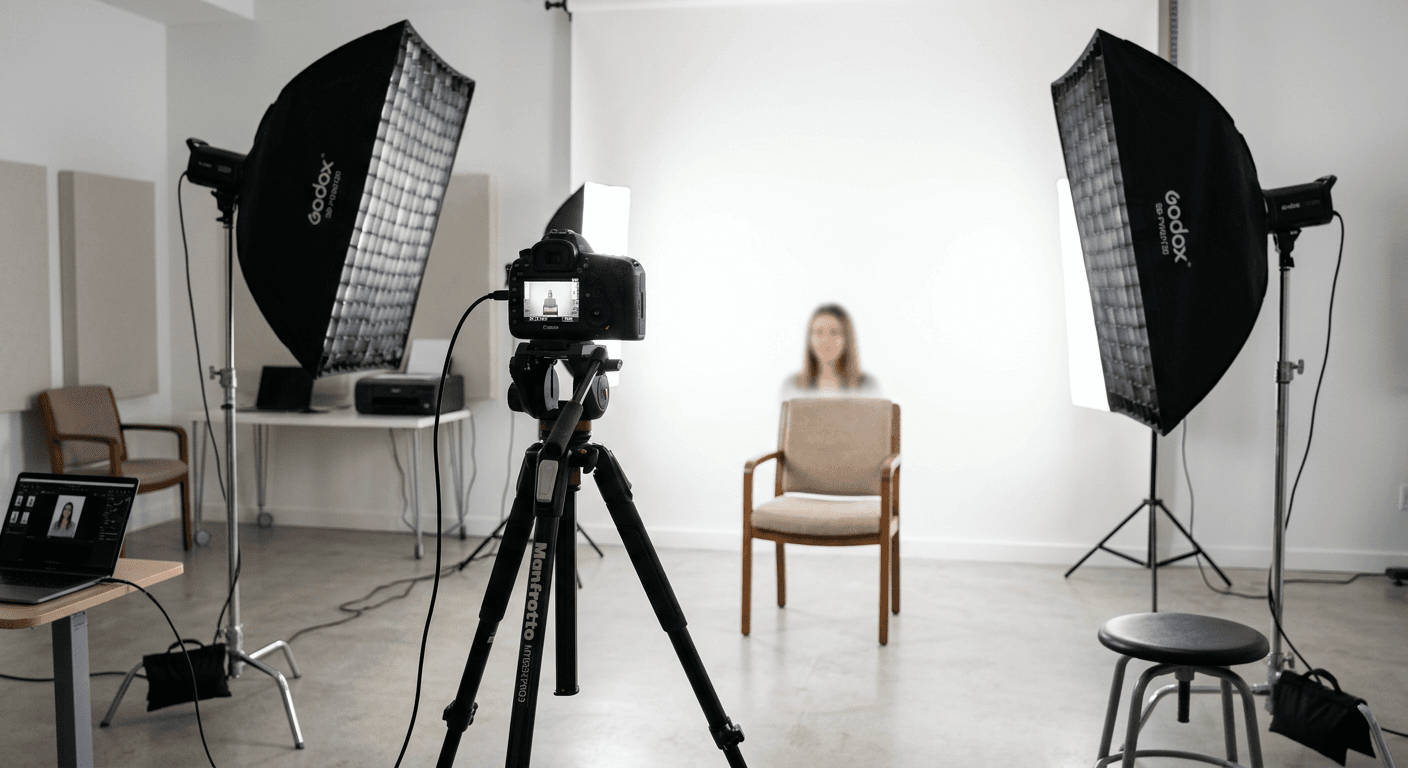
Trying to navigate the bureaucracy of international travel often feels like trying to solve a Rubik's cube in the dark. One of the most common stumbling blocks? Getting a digital passport photo that actually passes the stringent government scanners. Honestly, most people underestimate how precise these digital passport photo requirements can be, leading to rejected applications and massive headaches. If you ask me, skipping the professional studio and attempting a DIY version is only worth it if you have a rock-solid understanding of the technical specs required.
Quick Summary
A digital passport photo is an electronic image file that meets specific dimensions, lighting, and composition criteria mandated by government agencies for online identity verification. To ensure acceptance, it must feature a neutral expression, plain white background, and correct file resolution, typically provided as a JPEG file for secure upload.
- Ensure even lighting without shadows on the face.
- Maintain a neutral expression with closed mouth.
- Use a plain, high-quality white background.
- Verify file dimensions and pixel resolution.
Table of Contents
- Digital Passport Photo Requirements
- How to Get a Digital Passport Photo
- Common Pitfalls with Digital Copies

Digital Passport Photo Requirements
Let's be real - government systems aren't exactly known for their flexibility. When you submit a digital passport photo, you're essentially handing your face over to an automated software system designed to flag anything that looks slightly "off." Think of it like a strict bouncer at an exclusive club. If your shoes aren't shiny enough, you're out.
Essential Technical Specs
Most countries require a high-resolution file. We're talking at least 600x600 pixels, but it often varies. If you need help understanding specific standards for different regions, checking a comprehensive guide to passport photo standards is a smart first step. The file size is another invisible barrier; if it’s too large, the upload portal will choke. If it’s too small, the quality is pixelated garbage that no human or machine can verify.
Lighting and Composition Rules
Here’s a hot take: most people fail because of shadows. A single shadow under the chin or across one eye is enough to trigger a rejection. You need flat, even lighting. If you are taking photos of children, ensure you follow the correct UK baby passport photo guidelines to avoid the common errors parents face when dealing with squirmy subjects. Balance is key. Keep your head centered, eyes open, and please, keep that background plain white. No blurry living room walls allowed.
How to Get a Digital Passport Photo
So, what are your options? You can head to a local pharmacy, pay a premium, and hope the teenager behind the counter knows how to use a camera. Or, you can take control of the process yourself.
DIY vs. Professional Services
Taking your own digital copy of a passport photo requires a tripod, a decent light source, and a healthy dose of patience. If you decide to go the professional route, you’re paying for the guarantee that the photo won’t be rejected. For those traveling with infants, finding the Australian baby passport photo requirements can be especially daunting, so consider using specialized tools to handle the crop and formatting for you.
The Software Shortcut
Why stress over pixel dimensions? Plenty of online tools exist to crop and validate your image against official criteria. These services are the secret weapon for anyone who doesn't want to spend their afternoon fighting with Photoshop. Just make sure the service you choose is reputable. If you’re ever unsure about how a service operates, you can always contact support to clarify their processing methods before uploading your sensitive documents.
Common Pitfalls with Digital Copies
Have you ever wondered why your application was rejected despite the photo looking perfectly fine to your eyes? Usually, it's the "invisible" stuff. Metadata, file compression, or improper head positioning.
The Metadata Trap
Did you know your camera saves information about your camera model and location inside the file? Some systems don't care, but others are finicky. Always double-check that you aren't over-processing the image. A light touch is better than a heavy filter.
Avoid the "Selfie" Aesthetic
This isn't an Instagram post, people! Keep the smile at home and keep the head straight. A slight tilt or a smirk can lead to an immediate "Denied" notification. If you’re stuck or frustrated by the process, look into the about page of professional photo services to see how they handle these nuances, as they often provide tips that save you from repeating the process three times over.