Best Passport Photo Maker Apps for 2026
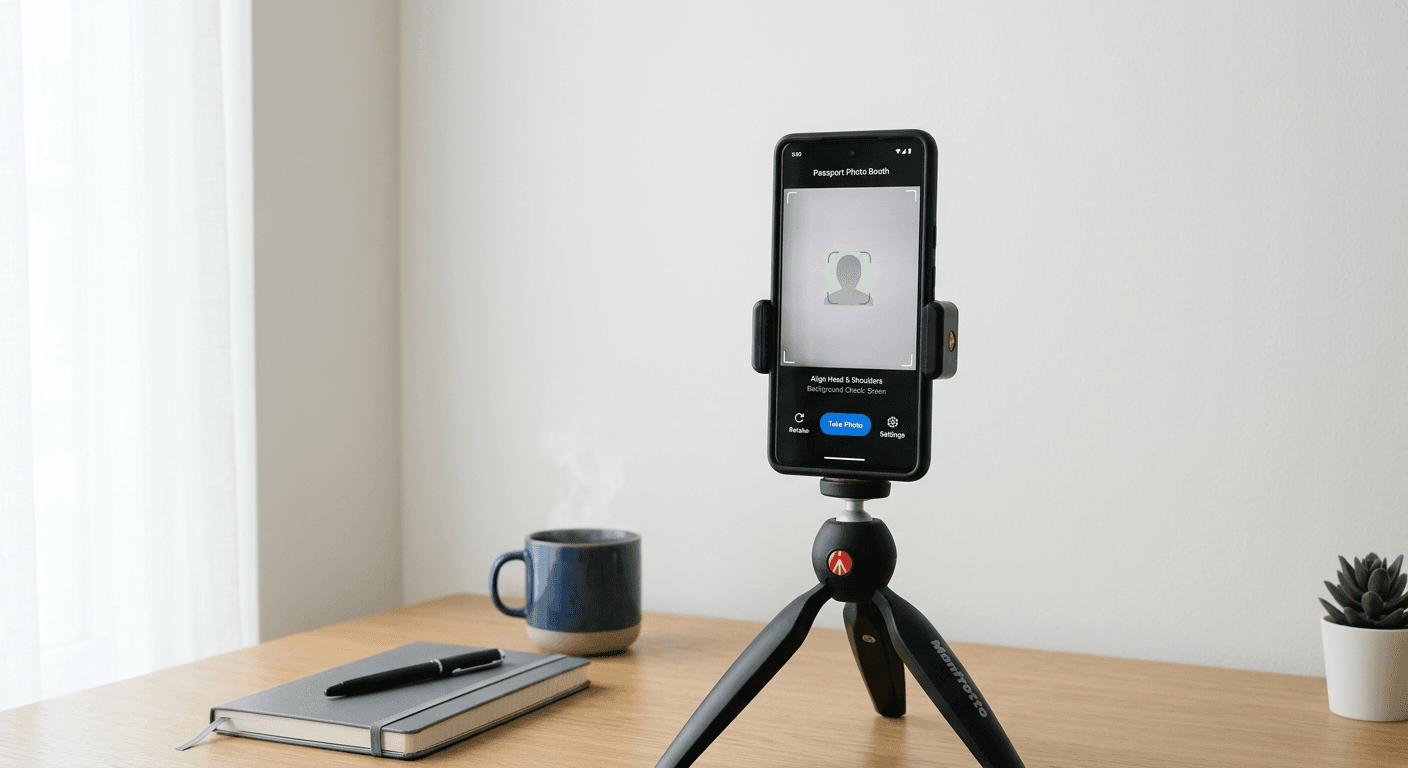
Finding a reliable passport photo maker shouldn't feel like a high-stakes scavenger hunt. Yet, here we are, staring down the barrel of travel deadlines with nothing but a grainy smartphone photo that looks more like a mugshot than a travel document. Getting your identity documentation right is essential, and honestly, the right app can save you a mountain of stress. Whether you need a standard travel ID or a specific us passport photo template, the landscape for digital solutions has changed drastically for the better.
Quick Summary
A passport photo maker is a mobile or web application designed to automatically crop, align, and verify images to meet strict government biometric standards. These tools ensure your portrait is compliant with international regulations, saving you time and money compared to traditional pharmacy prints or professional studio sessions.
- Automated compliance checking for various document types.
- Convenient home printing options for major cost savings.
- Support for multiple international sizing requirements.
Table of Contents
- Top Features to Look For in a Passport Photo Maker
- How to Choose the Best Free Passport Photo Maker
- The Role of a Precise Passport Photo Template
- Expert Tips to Make Passport Photo Success Easier

Top Features to Look For in a Passport Photo Maker
If you ask me, the best software is the one you don't have to think about. When hunting for the right tool to make passport photo files, you want an interface that basically holds your hand. It should offer built-in guidelines, automatic background removal, and instant validation checks. Think of it like a digital tailor - you provide the raw material, and it trims the edges until everything fits perfectly.
Why Validation Matters
Most people stumble when the software lacks an integrated validation step. You don't want to submit an application only to have it rejected three weeks later for a shadow on your nose. Reliable tools often provide a comprehensive about page detailing their technical compliance standards to keep your peace of mind intact.
How to Choose the Best Free Passport Photo Maker
Honestly, the "free" tag can be a bit of a trap. Many apps lure you in with zero costs, only to hit you with a paywall right before you export the file. A truly useful free passport photo maker should be transparent about its terms of service and provide a clean, high-resolution download without holding your image hostage.
- Check for watermark-free exports.
- Ensure the tool handles high-resolution printing files.
- Look for positive user reviews regarding document acceptance.
When you are just trying to get a quick photo for a toddler, the process can get overwhelming. For those specific needs, checking a structured us baby passport photo guide can provide the extra clarity needed to navigate those tricky government requirements without losing your cool.
The Role of a Precise Passport Photo Template
Having a high-quality template is the difference between a smooth approval and a bureaucratic nightmare. An accurate us passport photo template ensures that your head height, eye position, and crop ratio meet the exact pixel dimensions required by state departments. It is the architectural blueprint for your document. Without that blueprint, you're just guessing.
Why Photogov Passport Photo Tools Stand Out
Some users look for a specific photogov passport photo style of interface because it emphasizes simplicity. It strips away the clutter and focuses on the grid. If you are struggling with the process, searching for general help can often clarify whether your lighting or pose needs a slight adjustment before you hit the 'generate' button. Don't underestimate the power of good natural lighting; it acts as an invisible assistant that makes the template's job much easier.
Expert Tips to Make Passport Photo Success Easier
Here’s a hot take: lighting is 90% of the battle. You can have the most expensive software on the planet, but if your face is obscured by heavy shadows, no algorithm can fix that. Stand in front of a window, keep a neutral expression, and make sure your ears are visible if possible.
- Avoid wearing glasses to prevent glare.
- Stick to a plain white or off-white wall.
- Position your camera at eye level.
Sounds simple, right? It really is, provided you don't overcomplicate the staging process. By focusing on your setup first, the app does the heavy lifting. Stay patient. Take ten shots if you have to. It's better to have too many options than to settle for a photo that makes you look like you haven't slept in a week.