Comparing 3 Options for a Passport Photo Service in 2026
A clerk behind the postal counter slides an application back across the desk because the printed face is three millimeters too large. "The software said it was fine" is not a diagnosis. Earning a government approval requires matching the passport photo service you select against strict international biometric standards, not just choosing the most convenient application on your phone. Rejections rarely happen because a photograph is blurry; they happen because ambient shadows under the chin disrupt facial recognition mapping, or because automated print kiosks imperceptibly scale the file to fit a four-by-six grid. Getting a compliant image means evaluating exactly how a platform captures light, processes the background, and outputs the final physical dimensions.
Quick Summary
A compliant digital passport picture relies on precise biometric framing, controlled background isolation, and output resolutions that survive physical printing. Identifying the right provider means matching your available lighting and hardware to the platform's processing capabilities.
- Government biometric scanners reject images for structural failures like uneven lighting and improper head-to-chin ratios, not just poor resolution.
- In-store retail setups offer immediate physical prints but suffer from harsh overhead lighting that creates non-compliant facial shadows.
- Mobile applications provide excellent framing masks but leave the user responsible for sourcing uncompressed printing.
- Web aggregators bridge digital capture and retail fulfillment but introduce risks during the final file transfer to third-party photo centers.
Table of Contents
- What defines a compliant passport photo service
- 1. Walmart Photo
- 2. Passport Photo ID Maker
- 3. Passport Photo Online
- Identifying the best place for passport photos
- Matching the method to your processing timeline
- Recommended Reads
What defines a compliant passport photo service
Before evaluating platforms, you have to understand the specific mechanical failures that cause applications to bounce. A digital file might look perfect on a retina screen and still fail the State Department's mechanical scan. The biometric criteria that separate viable files from rejections center on three specific measurements: resolution, spatial proportion, and background density.
First, the International Civil Aviation Organization (ICAO) 9303 standard dictates the foundation of biometric compliance globally. This standard requires a minimum resolution of 300 DPI (dots per inch) for physical prints. When you use digital tools, the software must export a file that maintains this pixel density without applying aggressive JPEG compression. Compression artifacts around the eyes and nose bridge disrupt the algorithmic mapping used by border control databases.
Second, spatial proportion is strictly enforced. For United States guidelines, the final printed image must measure exactly 2 by 2 inches (51 by 51 mm), and the subject's head must measure between 1 and 1 3/8 inches from the bottom of the chin to the top of the hair. Other countries demand a 35 by 45 mm dimension with completely different head proportions. Deciding on the best place to get passport photo files approved requires checking if the platform dynamically adjusts to these differing national standards or merely overlays a static grid. If you are preparing applications for infants, consulting resources like a United States Baby Passport Photo Guide helps clarify how these spatial rules adapt when a subject cannot sit up or maintain eye contact.
Third, background density refers to the purity of the negative space behind the subject. The background must be uniform, plain white or off-white, and completely free of shadows. This is where most digital platforms struggle. Edge-detection algorithms attempt to separate the subject's hair from the background, but frizzy hair or clothing that matches the wall color often results in digital halos or jagged cutouts that consulate officers immediately flag as manipulated.
| Service | Features | Pros | Cons | Target Audience |
|---|---|---|---|---|
| Walmart Photo | In-store physical capture, 2x2 prints, dye-sublimation printing | Immediate physical prints, no digital formatting required | Harsh store lighting, requires travel, limited to standard sizing | Applicants needing same-day physical photos with no tech setup |
| Passport Photo ID Maker | Mobile app interface, digital framing overlays, direct camera access | Leverages smartphone hardware, visual guides on screen | Confined to mobile interface, leaves physical printing to user | DIY users comfortable managing and printing their own digital files |
| Passport Photo Online | Web-based processing, covers retail integrations, compliance checks | Bridges digital files to retail printing, automated background removal | Handoff to third-party printers risks unwanted cropping | Applicants wanting digital checks before routing to local stores |
1. Walmart Photo
Walmart Photo operates as an in-store Walmart Photo Center service for government-compliant 2×2 passport photos. It serves applicants who want to bypass digital file management entirely and walk out with a physical sheet of compliant prints in a single trip.
Retail footprint dictates the physical capture experience
The mechanism here relies entirely on physical retail infrastructure. An employee uses a digital point-and-shoot camera to photograph the subject against a standardized white pull-down screen mounted on a store wall. The image is then routed directly to a commercial dye-sublimation printer behind the counter. Dye-sublimation is critical for official documents because it uses heat to transfer dye onto the paper in continuous tones, entirely avoiding the dot-matrix patterns generated by standard home inkjet printers that frequently fail biometric scans. Many travelers specifically search for the passport photo services walmart provides to gain access to these commercial-grade printers without visiting a specialized photography studio.
-
Pros:
- Outputs physical 2x2 inch prints immediately on-site.
- Utilizes commercial dye-sublimation hardware that passes dot-matrix checks.
- Requires zero digital file handling or uploading from the applicant.
-
Cons:
- Subject to ambient retail lighting which often causes non-compliant facial shadows.
- Relies on the manual cropping skills of the retail employee on shift.
- Fixed to physical store operating hours and equipment uptime.
The honest limit of this in-store approach is environmental control. Retail stores are illuminated by banks of overhead 4000K-5000K fluorescent tubes. When a subject stands under these lights, the downward angle casts distinct shadows into the orbital bones and underneath the nose. Government standards explicitly reject photos with harsh shadows across the face. If the point-and-shoot camera's internal flash is not strong enough to overpower the ceiling lights, the resulting shadow will trigger a rejection at the post office. Applicants who need carefully controlled lighting or those photographing squirming infants should skip the retail counter entirely.
2. Passport Photo ID Maker
Passport Photo ID Maker is a mobile app for making passport photo images directly on a smartphone. It is designed for self-serve applicants who want to leverage their own device's camera sensor to capture and format digital files at home.
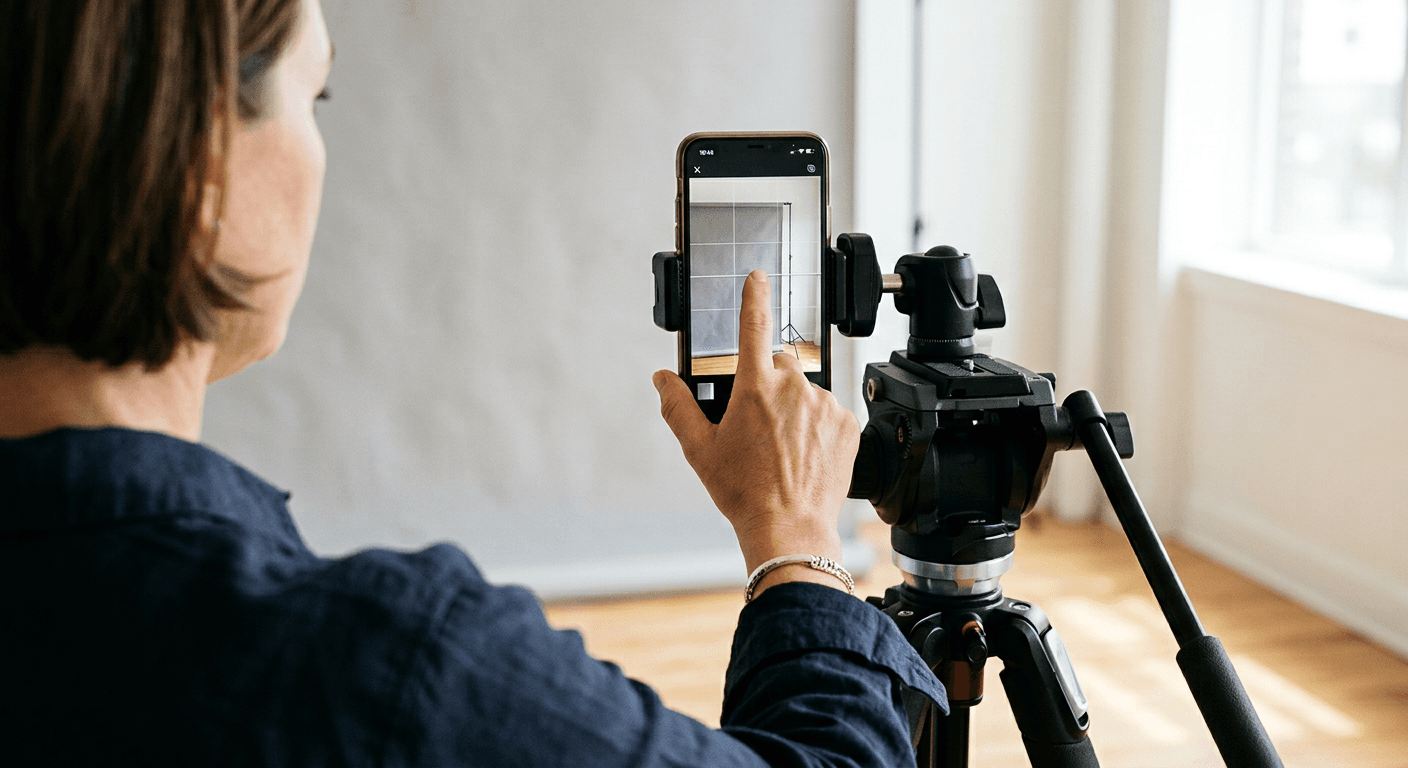
Mobile isolation forces self-service hardware validation
This platform operates by accessing the smartphone's native camera hardware and overlaying a biometric framing mask onto the live viewfinder. By providing a structural guide on the screen, the application forces the user to align the subject's crown and chin before the shutter actuates. Once captured, the software uses the phone's internal processing power to crop the image to the correct aspect ratio and export a digital file. Because modern smartphone CMOS sensors easily exceed the 300 DPI threshold required for document printing, the raw image data captured by the application is technically sufficient for government compliance.
-
Pros:
- Provides real-time visual alignment guides over the live camera feed.
- Operates entirely within the user's home environment, allowing for lighting adjustments.
- Exports a digital file immediately for electronic visa applications.
-
Cons:
- Confined to a mobile interface, making it difficult to spot fine compression artifacts.
- Susceptible to facial distortion if the smartphone lens is held too close.
- Leaves the applicant entirely responsible for sourcing uncompressed physical printing.
The primary limitation of relying on a standalone mobile application is optical distortion. Modern smartphones are equipped with wide-angle lenses, typically featuring focal lengths between 24mm and 28mm. When held at arm's length to align a face within the app's guides, this wide field of view distorts facial geometry, enlarging the nose and receding the ears. Passports require a flat, orthographic representation of the face. To prevent this distortion, a second person must hold the phone several feet back and use a slight optical zoom, a step the application cannot force you to take. Users operating without assistance will struggle to generate an undistorted file with this tool alone.
3. Passport Photo Online
Passport Photo Online operates as a web-based processing platform and an online passport photo service/article page covering Walmart passport photo options. It serves users who have already captured a photo and need cloud-based software to audit its compliance and prepare it for retail printing.
Aggregation leans heavily on third-party printing handoffs
Instead of relying on the local device's hardware, this service utilizes remote servers to process image uploads. When a user submits a file, the platform applies edge-detection algorithms to digitally strip the ambient background and replace it with a pure white or off-white digital canvas. It then checks the interpupillary distance and head-to-chin ratios against its database of national requirements. A key functional element of this platform is its directory and routing capability; by operating as an information hub that covers external retail options, it bridges the gap between digital validation and physical fulfillment. The software generates a 4x6 inch digital template containing multiple perfectly sized 2x2 inch cutouts, designed specifically to be sent to a local pharmacy or retail kiosk for printing.
-
Pros:
- Utilizes server-side processing for complex background removal tasks.
- Formats single files into 4x6 print templates to simplify retail fulfillment.
- Provides extensive documentation on integrating with third-party printers.
-
Cons:
- Handoffs to retail print centers introduce risks of automated image scaling.
- Complex backgrounds can still confuse the edge-detection algorithms around hair.
- Requires navigating an information-heavy interface rather than a pure processing tool.
The structural weakness here lies in the final transfer of control. Generating a flawless digital template is only half the battle. When that template is sent to a third-party retail photo center, those commercial kiosks are programmed to automatically color-correct standard vacation photos. They routinely apply contrast enhancements, aggressive sharpening, and minor zoom functions to ensure borderless printing on the paper. A 2% automatic zoom applied by a pharmacy printer will expand the head size beyond the strict 1 3/8 inch maximum limit, rendering the previously compliant file useless. Users who do not know how to manually disable auto-enhance features at the print kiosk run a high risk of biometric failure.
Identifying the best place for passport photos
Evaluating different passport picture services means looking past the marketing and assessing the mechanical capabilities of the provider. Searching for the best place for passport photos requires understanding that a compliant image is manufactured step-by-step, not just snapped and forgotten.
First, assess your control over the lighting environment. If you choose an in-store retail option, you are entirely at the mercy of their ceiling grids. The camera flash will flatten your face, but it may not overpower the shadows under your eyes. If you choose a digital application, you must stage the lighting yourself. The subject should face a large window offering diffuse, natural daylight, ensuring both sides of the face are illuminated equally. Any platform you choose is irrelevant if the raw image contains hard directional shadows.
Second, evaluate how the service handles the background. The background must not only be plain, but it must be distinctly separate from the subject. Look for tools that utilize precise edge-detection rather than crude magic-wand cropping. If the software leaves a digital artifact or halo around the subject's head, the reviewing officer will reject it as a manipulated image.
Finally, scrutinize the output mechanism. The best way to get a passport photo that passes physical inspection is to ensure the final file is explicitly formatted for your exact printing method. A file formatted for a 4x6 print sheet must contain the exact pixel dimensions to yield a 2x2 inch physical cutout at exactly 300 DPI. Always check the final output resolution before submitting the file to a lab.
Matching the method to your processing timeline
Selecting the right tool depends entirely on your immediate bottleneck and the hardware you have available to you right now.
If your bottleneck is immediate physical possession and you cannot manage digital files, walk into a retail location. This eliminates the need to understand DPI, templates, or paper types, provided you accept the risk of ambient store lighting causing shadow rejections. It is the most direct path for adults who simply need a printed sheet today and have a location nearby.
If your bottleneck is capturing a difficult subject, such as an infant who cannot sit still in a public store, utilize a digital tool on a smartphone. Mobile applications allow you to take hundreds of photos at home until you capture the infant with their eyes open, mouth closed, and looking directly at the lens. You trade convenience at the printer for total control over the capture environment, which is strictly necessary for babies.
If your bottleneck is verifying international compliance and formatting the file for local printing, use a web-based processor. This approach suits applicants applying for foreign visas who need unusual dimensions that standard US retail kiosks do not natively support. The software handles the complex biometric cropping, leaving you to manage the final unscaled print. If you are uncertain about the final print quality, reviewing a service's 100% Refund Policy beforehand can clarify who absorbs the cost if the local print kiosk accidentally alters the dimensions.