Essential Guide to Meeting Chinese Passport Photo Requirements and Visa Standards in 2026
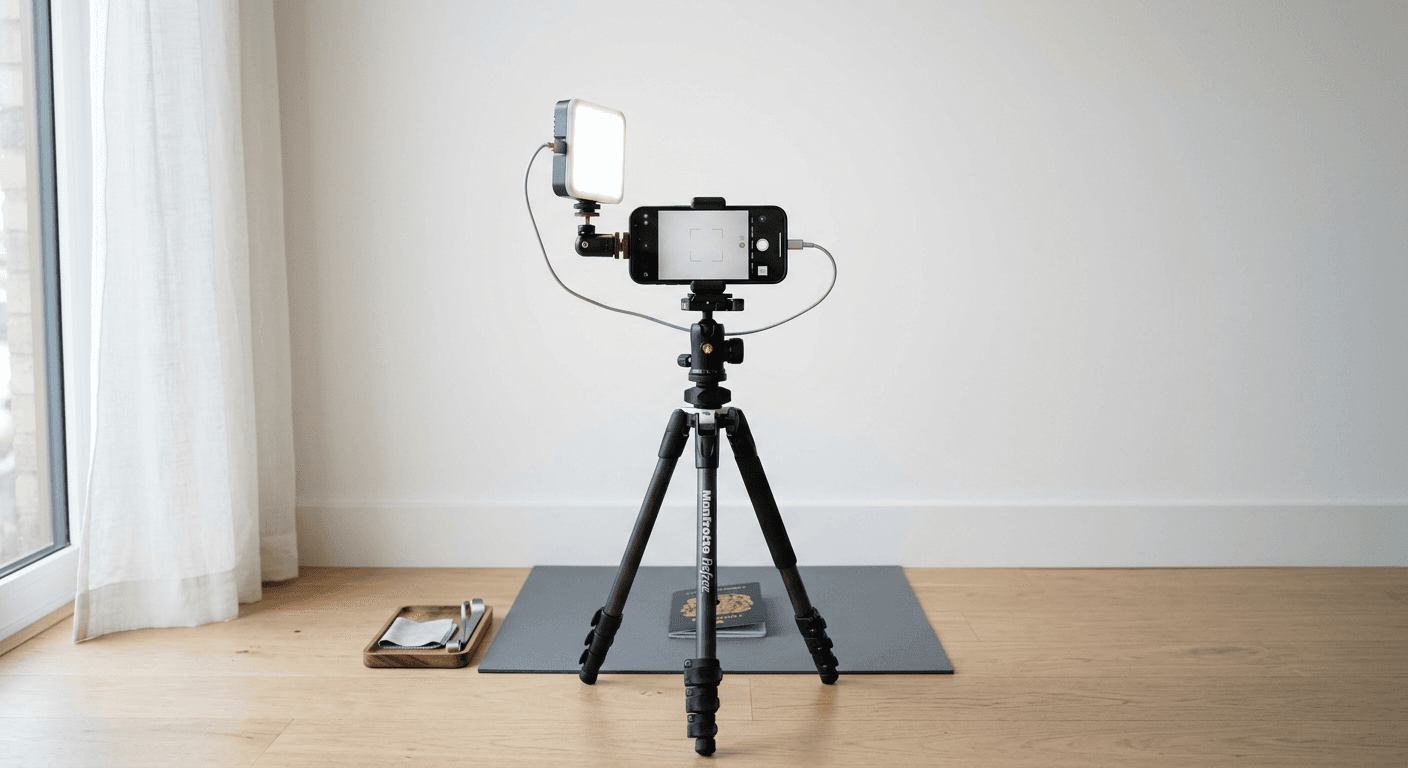
Securing compliant documentation for international travel can be a daunting task, particularly when navigating the specific nuances of government-issued identification standards. When preparing for travel, understanding the precise chinese passport photo requirements is critical to ensuring your application is not delayed or rejected at the processing stage. Whether you are applying for a standard passport or a specialized visa, the digital transformation of these processes has introduced new avenues for obtaining high-quality, government-compliant imagery from the convenience of your home.

Quick Summary
Navigating international visa documentation requires strict adherence to biometric standards, particularly regarding head positioning, background color, and specific dimensions. Modern online platforms and specialized photography tools now automate these compliance checks to ensure your photos meet the exact criteria set by authorities.
- Ensure the background is uniformly white or off-white.
- Verify that the image dimensions match the specific consulate's requirements.
- Maintain a neutral facial expression with eyes clearly visible.
- Use AI-driven tools to automate complex head-size and cropping adjustments.
Table of Contents
- Understanding Passport Photo Compliance
- Comparison of Online Passport Photo Services
- DIY Photography vs. Professional Services
- Technical Specifications for Regional Visas
- Common Pitfalls in Biometric Photography
- Frequently Asked Questions
- Recommended Reads
Understanding Passport Photo Compliance
Government authorities maintain strict biometric standards to prevent fraud and ensure rapid processing of identification documents. The Chinese passport photo size is typically 33 mm by 48 mm, a dimension that differs from the standard 2-inch by 2-inch format used by many Western nations. Adhering to these specific measurements is not merely a suggestion; it is a mandatory prerequisite for application acceptance. Using a general-purpose photo editor often results in incorrect cropping, which leads to immediate rejection.
Furthermore, lighting and background consistency are paramount. Most visa authorities require a plain white background with no shadows or extraneous objects. When taking photos at home, applicants must manage ambient lighting carefully to ensure the face is evenly illuminated. Using an AI passport photo maker can simplify this process by automatically balancing color profiles and removing distracting shadows, ensuring the final output aligns with international biometric expectations.
Comparison of Online Passport Photo Services
| Service Category | Features | Pros | Cons | Target Audience |
|---|---|---|---|---|
| AI-Powered Web Platforms | Auto-cropping, bg removal, validation | Fast, cost-effective, precise | Requires stable internet | Budget-conscious travelers |
| Professional Studios | In-person lighting, expert framing | Guaranteed compliance, ease | Expensive, requires travel | Non-tech savvy applicants |
| Retail Printing Kiosks | Immediate physical prints | Physical product in minutes | Inconsistent lighting quality | Last-minute applicants |
| Custom Mobile Apps | Photo editing on-the-go | Highly portable | Small screens make editing hard | Frequent flyers |
DIY Photography vs. Professional Services {#diy-photography-vs.-professional-services}
Deciding between a DIY approach and a professional service depends on your access to high-quality equipment and the urgency of your application. Professional studios provide a controlled environment where lighting is perfectly balanced, reducing the risk of shadow-related rejection. However, the cost and time commitment of visiting a physical location can be significant. By contrast, modern DIY tools allow you to utilize high-resolution smartphone cameras to capture images that, with the right software, meet the same rigorous standards.
When choosing to DIY, it is essential to follow established guides for infant or child photos to ensure the subject is centered correctly and that the background remains compliant. The key advantage of online services is the feedback loop; many platforms provide real-time validation, identifying potential issues with head-to-chin ratios or peripheral obstruction before you ever submit the file to the authorities.
Technical Specifications for Regional Visas
Beyond China, many regions maintain unique technical requirements. For instance, understanding the taiwan passport photo requirements involves acknowledging the specific resolution and framing standards mandated for their specific ID formats. While it might be tempting to use a single "universal" photo for all visa applications, the china visa passport photo size and the taiwan passport photo size are distinct enough to cause technical failures if interchanged.
Most governments now require high-resolution digital files, often at 300 DPI or higher, to facilitate facial recognition software scanning. When preparing these files, ensure you are not just resizing the image, but specifically cropping the head area according to the local government guide. For instance, detailed resources for Canadian baby passport photos highlight how different countries place varying emphasis on the percentage of the frame the face must occupy.
Common Pitfalls in Biometric Photography
One of the most frequent reasons for application denial is the presence of glare on glasses or shadows behind the ears. Even if the dimensions are correct, a non-uniform background is often grounds for disqualification. To avoid this, position the subject roughly three to four feet away from a blank, white wall to ensure that the light source is in front of the subject, rather than behind them.
Another common error involves the expression. While a neutral expression is standard, many applicants struggle to maintain natural, open eyes without squinting. Taking multiple shots and using an automated tool to compare them against biometric standards can help you select the version with the highest likelihood of passing the manual review process. Review the official help section for more tips on managing common environmental challenges.
Frequently Asked Questions
Can I wear glasses for my Chinese visa photo?
Generally, visa authorities discourage or prohibit wearing glasses in official photos due to the risk of glare obscuring the eyes. It is best to remove them to ensure compliance.
What is the standard file size for a digital visa photo?
While requirements vary by consulate, most digital visa applications require a file size under 300 KB, with a resolution of at least 300 DPI.
Is it possible to use a phone-captured photo for a passport?
Yes, provided the camera quality is high and the photo is correctly processed through a compliant background-removal and resizing tool to meet the specific biometric dimensions.