Global Passport Photo Size and Requirement Standards
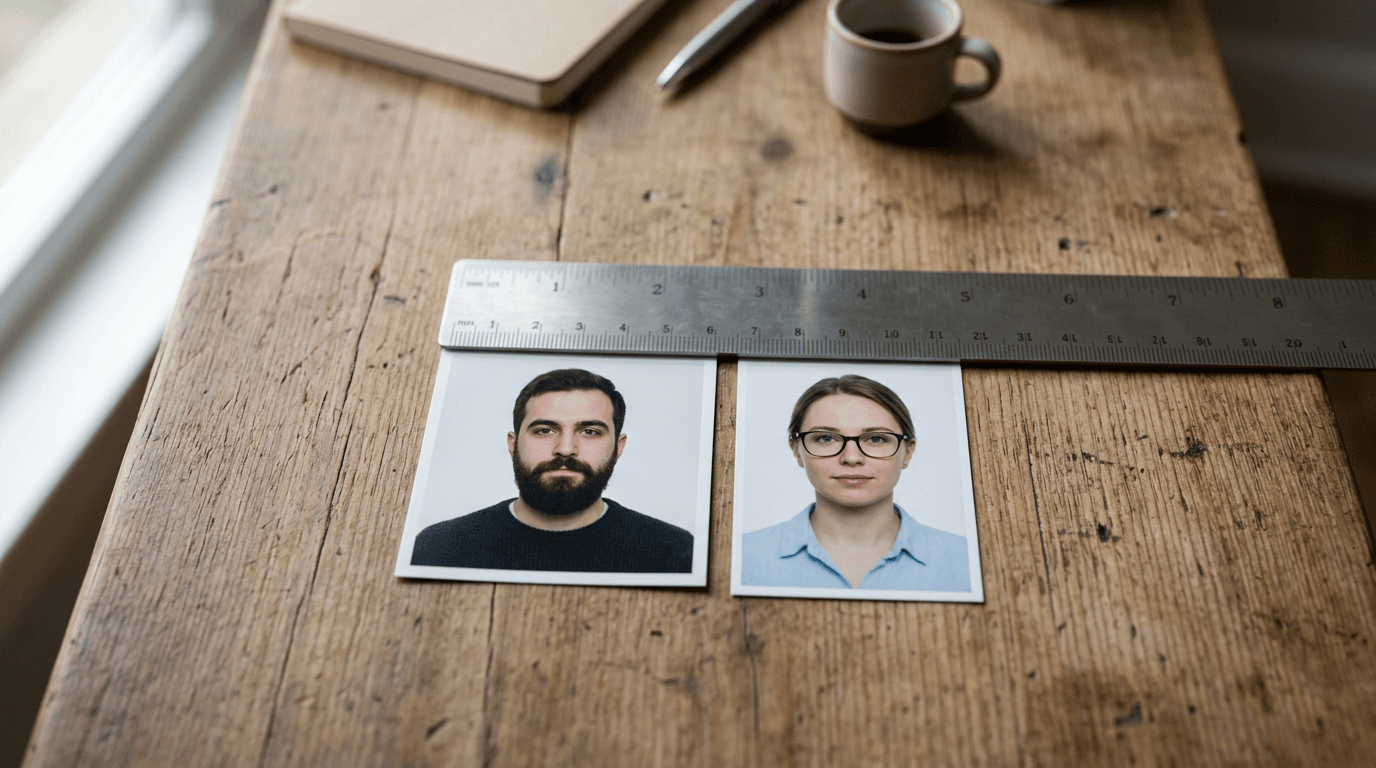
A common misconception among travelers is that a "passport size" image is a universal standard accepted by every embassy and border agency worldwide. In reality, handing a European consulate an image cropped to American dimensions guarantees an instant application rejection. The global standard for biometric identification fractures into highly specific regional dimensions, background rules, and head-to-image ratios. Choosing the right passport photo size at the beginning of your application process dictates whether your documentation clears the automated scanning systems or bounces back, delaying your travel by weeks.
Quick Summary
A biometric passport photo is a tightly regulated identification image where the physical dimensions, background color, and facial mapping are dictated by national government standards.
- United States applications demand a strict 2x2 inch square format.
- Most European and Commonwealth nations use a 35x45 mm vertical rectangle.
- Digital applications require specific pixel resolutions and file sizes, not just physical print crops.
- Head height and eye placement measurements are often more critical than the outer dimensions of the image.
Table of Contents
- The Dimension and Biometric Framework
- 1. United States Passport and Visa Format
- 2. Schengen Area and European Union Standard
- 3. Canadian Identification Formatting
- 4. United Kingdom Biometric Dimensions
- 5. Australian Processing Requirements
- 6. New Zealand Documentation Standards
- 7. Singapore Immigration Framing
- Choosing the Right Format for Your Application
- FAQ
- Recommended Reads
The Dimension and Biometric Framework
Before measuring a photo size for passport applications, the deciding lens is always the destination country's automated biometric scanning system. Governments do not evaluate images visually; they run them through software that maps the distance between the pupils, the width of the jaw, and the length from the chin to the crown of the head. An image cut to the correct outer dimensions will still fail if the head is too large or too small within that frame. Every format listed below must be evaluated first by its required physical dimensions, and second by the strict proportion of the subject's face inside that boundary.
| Country / Region | Physical Dimensions | Head Height Requirement | Background Color |
|---|---|---|---|
| United States | 2 x 2 inches (51 x 51 mm) | 1 to 1.375 inches | Plain White |
| Schengen Area | 35 x 45 mm | 32 to 36 mm | Light Grey / White |
| Canada | 50 x 70 mm | 31 to 36 mm | Plain White |
| United Kingdom | 35 x 45 mm | 29 to 34 mm | Light Grey / Cream |
| Australia | 35 x 45 mm | 32 to 36 mm | Light Grey / White |
| New Zealand | 35 x 45 mm | 32 to 36 mm | Light color (not white) |
| Singapore | 35 x 45 mm | 25 to 35 mm | Plain White |
1. United States Passport and Visa Format
The US Department of State requires a 2x2 inch square image for all travel documentation. This format applies to domestic citizens renewing their travel documents and foreign nationals needing the correct passport size photo dimensions for us visa applications. The image must be printed on matte or glossy photo-quality paper and feature a completely plain white or off-white background with no shadows.

The mechanics of the US format rely on a 1:1 passport photo ratio. When uploaded digitally, the image must be a minimum of 600 x 600 pixels and a maximum of 1200 x 1200 pixels. The State Department's automated cropping tool searches for the crown of the head and the bottom of the chin, verifying that the face measures between 1 inch and 1 3/8 inches. If the camera was positioned too close to the subject, the face exceeds the maximum boundary, triggering an immediate algorithmic rejection.
Strict head proportions dictate the frame
The US format is unforgiving regarding head placement. Even if the outer 2x2 inch boundary is cut perfectly, a face that sits too high or too low within the square fails the eye-level metric. The eyes must sit between 1 1/8 inches and 1 3/8 inches from the bottom edge of the photo.
This format falls apart quickly for infants. Because newborns lack neck control, maintaining the precise head-to-chin measurement while keeping the face vertically aligned in a perfect square is notoriously difficult. Parents attempting this without specialized tools often fail the head proportion check. If you cannot secure an even, shadow-free white background behind a reclining infant, skip the DIY approach and use a service that automatically handles the background removal, such as our United States Baby Passport Photo Guide.
2. Schengen Area and European Union Standard
The Schengen Area, encompassing most of Europe, utilizes a standard 35x45 mm vertical rectangle format. Anyone applying for a tourist, work, or transit visa to enter countries like Germany, France, or Italy must provide a passport size photo for schengen visa processing that adheres to the strict International Civil Aviation Organization (ICAO) biometric standards.
This format operates on a tall aspect ratio. The mechanics require the subject's face to occupy the vast majority of the total photograph height. Specifically, the measurement from the bottom of the chin to the crown of the head must be exactly between 32 mm and 36 mm. The system scans the face for neutral expressions; even a slight smile that alters the natural shape of the cheeks or narrows the eyes will cause the facial recognition software to fail the match against the physical person at the border.
Facial mapping overrules background spacing
European consulates are exceptionally strict about facial mapping. The top of the head must not touch the upper edge of the photo; there must be a visible gap, but not so much gap that the head falls below the 32 mm minimum height limit.
Practical rule: Never digitally alter a subject's facial features or skin tone to remove blemishes. Automated border control systems map the exact topography of the face, and digital smoothing alters the micro-measurements the algorithm relies on.
This format is unsuitable for anyone who cannot maintain a perfectly neutral expression. Minor grimaces or open mouths are instantly rejected. The background color also varies slightly by specific country within the block; for example, detailed metrics can be reviewed in the Germany Baby Passport Photo Guide, which enforces a medium grey background rather than pure white to enhance the contrast of the subject's facial outline.
3. Canadian Identification Formatting
Canada mandates one of the largest physical identification images globally, requiring a 50x70 mm vertical rectangle. This size applies to citizenship applications, permanent residency cards, and physical booklets. Unlike countries transitioning entirely to digital workflows, Canada places heavy emphasis on the physical photograph and its verifiable origin.

The system works by allowing a massive surface area for clear biometric mapping. The face must measure between 31 mm and 36 mm from chin to crown. Because the overall image is 70 mm tall, this leaves a substantial amount of visible torso and background above the head compared to the tight European crop. The most critical mechanism is the physical paper: the back of one photo must bear the date the photo was taken, alongside the name and complete address of the photography studio.
Studio stamping complicates digital processing
The requirement for physical guarantor signatures and studio stamps on the reverse side makes Canada's process uniquely manual. A guarantor must write "I certify this to be a true likeness of [Applicant's Name]" and sign it.
This requirement explicitly breaks purely digital, home-printed workflows for domestic passport renewals. You cannot simply print a 50x70 mm image at home and submit it for a domestic Canadian passport because you lack a commercial studio stamp. Families applying from abroad or navigating infant visa requirements must consult specific consular instructions to see if exceptions apply, as detailed in the Canada Baby Passport Photo Guide, which outlines how international applicants manage the strict guarantor rules when away from commercial Canadian studios.
4. United Kingdom Biometric Dimensions
The United Kingdom requires a 35x45 mm photograph, aligning closely with the European standard in external dimensions but enforcing different background rules. This format is mandatory for HM Passport Office applications, UK visas, and biometric residence permits. The background must be a plain light grey or plain cream; pure white backgrounds are frequently rejected for causing contrast issues with the subject's skin.
Digital applications to the UK operate on a unique mechanical workflow. Instead of uploading a raw image file directly, many applicants now receive a "digital photo code" from compliant booths or services. The backend system retrieves the image directly from a secure server via this code, ensuring the file has not been compressed, edited, or tampered with on the applicant's personal device. For physical prints, the head must measure between 29 mm and 34 mm.
Digital codes replace physical prints
The UK's digital-first approach means the exact physical crop is often less important than the digital passport photo size requirements. The uploaded file must be at least 600 pixels wide and 750 pixels tall, with a file size between 50KB and 10MB.
This system is a poor fit for low-resolution smartphone cameras or heavily compressed messaging app transfers. If you email a photo to yourself using aggressive compression, the file size will drop below the 50KB threshold, and the HM Passport Office portal will reject it for lacking the data density required for biometric mapping. For parents managing this digitally for children, reviewing the United Kingdom Baby Passport Photo Guide is essential to avoid compression traps.
5. Australian Processing Requirements
Australia enforces a 35x45 mm format with exceptionally strict rules regarding lighting, shadows, and facial obstruction. The Department of Foreign Affairs and Trade (DFAT) relies heavily on high-contrast biometric mapping.
The technical mechanism revolves around absolute clarity. The image must be printed at 300 DPI minimum. The face must take up between 32 mm and 36 mm of the vertical space. However, Australia's software is highly sensitive to background shadows and "red-eye." If the flash creates a shadow behind the subject's ears, or if overhead lighting casts deep shadows under the eyebrows or chin, the image fails. Glasses are entirely prohibited in Australian passport photos to prevent frame obstruction and lens glare.
Lighting and background contrast dictate approval
Australia's zero-tolerance policy for uneven lighting makes it one of the hardest formats to produce outside of a controlled environment. The background must be plain white or light grey, and the subject must contrast clearly against it.
If you have pale skin or white hair, shooting against a pure white background will cause the edges of your face to blend into the frame, causing a rejection for lack of contrast. In these cases, a light grey background is mandatory. Parents photographing infants must ensure hands and supporting pillows are entirely cropped out, a process detailed in the Australia Baby Passport Photo Guide.
6. New Zealand Documentation Standards
New Zealand requires a 35x45 mm photo but diverges sharply from other nations regarding the background color. Unlike the US or Canada, New Zealand explicitly forbids pure white backgrounds. The Department of Internal Affairs mandates a light-colored background (often light blue, grey, or cream) that provides strong contrast to the subject.
The system works primarily through a highly sensitive online checker. New Zealand has one of the most advanced digital application portals globally. When you upload your image, the system instantly evaluates the aspect ratio, the background color hex codes, the head tilt, and the eye spacing. The digital file must be a 4:3 aspect ratio in portrait orientation, specifically between 900x1200 pixels and 2250x3000 pixels.
Strict digital validation catches early errors
The immediate feedback loop of the New Zealand online system means you cannot brute-force a poor image through the application process. It will block the submission entirely until a compliant image is provided.
Practical rule: Never use portrait mode on a smartphone to capture an identification image. Portrait mode uses software to artificially blur the background (bokeh effect), which destroys the sharp edge contrast between the subject's shoulders and the background, leading to immediate rejection by digital validation tools.
This format frustrates users who rely on generic photo booths that default to pure white backgrounds. If your image features a stark white backdrop, the automated checker will flag it as non-compliant. For specific contrast requirements, particularly regarding infant framing, refer to the New Zealand Baby Passport Photo Guide.
7. Singapore Immigration Framing
The Singapore Immigration & Checkpoints Authority (ICA) uses the standard 35x45 mm physical dimension but implements specific material and finishing requirements for physical prints, while enforcing tight digital constraints.
The mechanical requirement focuses on surface reflection. Physical photos must be printed on matte finish paper, not glossy. Glossy prints reflect the intense scanning lights at the ICA processing centers, washing out the biometric data encoded in the physical ink. The background must be pure white, and the subject's head must measure between 25 mm and 35 mm. This allows for a slightly smaller face representation compared to the European 32 mm minimum, leaving more breathing room around the edges of the hair.
Matte finishes prevent scanning glare
Singapore's mandate for matte paper dictates where and how you can print physical copies. Many standard consumer photo kiosks default to glossy paper and do not offer a matte override.
If you submit a glossy print, it will likely be returned unprocessed, wasting weeks of application time. Furthermore, the digital upload must be exactly 400 x 514 pixels. This bizarre pixel constraint trips up many applicants who assume a larger file is better. If you upload a 2000-pixel image, the ICA portal will compress it poorly, distorting the aspect ratio. Accurate formatting is critical, especially when managing applications for dependents; the Singapore Baby Passport Photo Guide outlines the exact digital cropping needed to hit the 400x514 pixel target.
Choosing the Right Format for Your Application
Navigating biometric requirements is entirely dictated by your destination and your method of application.
If your bottleneck is securing physical studio stamps and guarantor signatures for domestic citizenship, you must use a local commercial studio equipped for Canadian standards. If your bottleneck is capturing an infant who cannot sit up for a strictly framed 2x2 inch US requirement, you require an AI-assisted digital cropping tool that isolates the subject from a flat mattress background. If you are applying digitally to New Zealand, you must prioritize finding a non-white, high-contrast background to satisfy their specific digital validation portal.
Attempting to reuse one set of generic identification photos across multiple international visa applications guarantees failure. Always pull the exact dimensions, head heights, and background requirements for the specific country before positioning the camera.
FAQ
Can I use a 2x2 inch US photo for a European visa?
No. The Schengen area uses a 35x45 mm format. A 2x2 inch photo is 51x51 mm. Cutting down the US photo will alter the required 32-36 mm head height, resulting in biometric failure.
Why do digital uploads fail even when the photo looks correct?
Digital uploads usually fail due to incorrect pixel dimensions, heavy file compression that drops the size below 50KB, or the use of smartphone portrait modes that artificially blur the edges of the subject's hair.
Does the background have to be purely white?
It depends on the country. The US and Canada require pure white. The UK and New Zealand require light grey, cream, or a light color to ensure contrast against the subject's face.
What is the correct passport photo ratio?
The ratio is tied directly to the dimensions. The US format is a 1:1 ratio (square). European, UK, and Australian formats use an approximate 3:4 or 4:5 vertical rectangle ratio depending on exact pixel conversions.