How to Get a Digital Passport Photo for Online Renewal in 2026
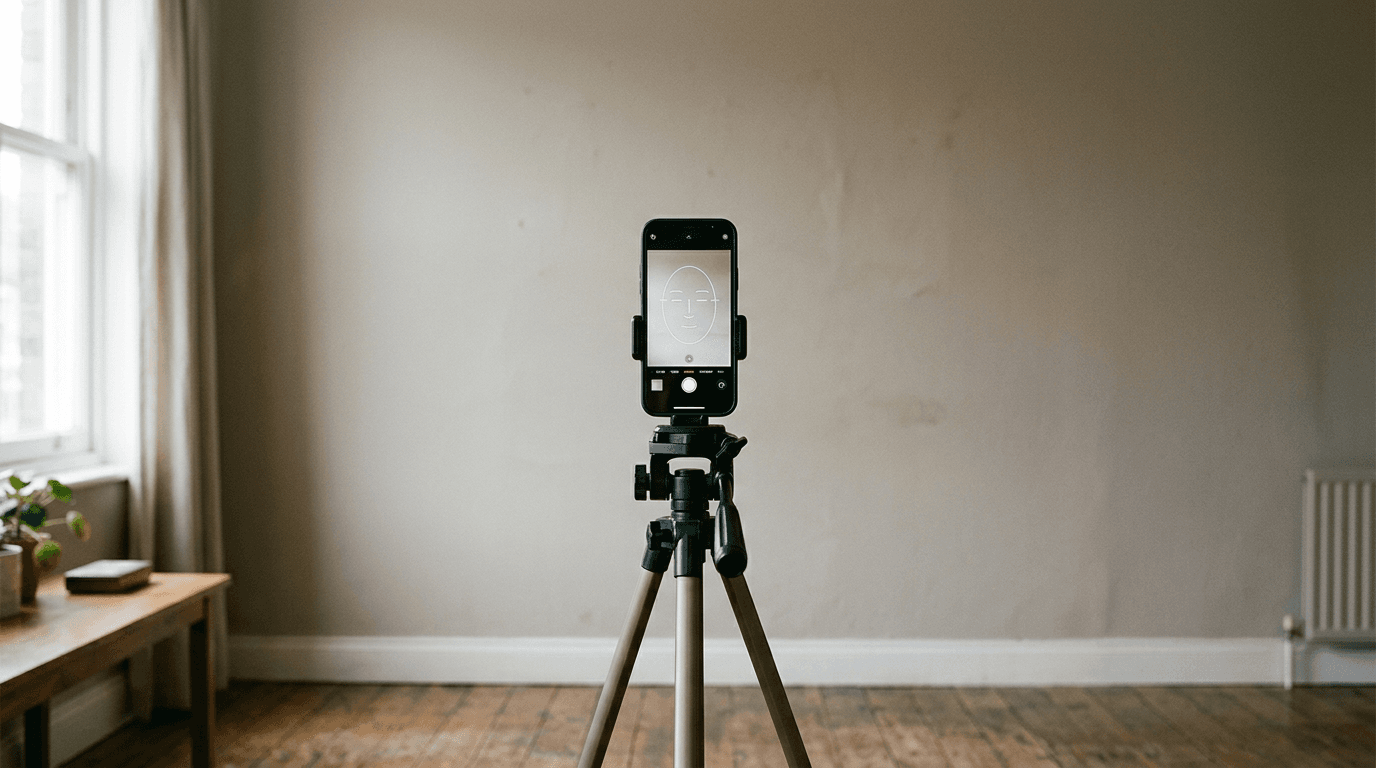
A shadow cast across a cheekbone or a file sized a few kilobytes too large will halt a digital passport renewal just as quickly as a lost birth certificate. Getting a digital passport photo is no longer about finding a booth with the right curtain; it is about meeting exact biometric and file-size parameters before you ever press upload.
Quick Summary
A digital passport photo for online renewal requires specific pixel dimensions, compression limits, and biometric framing to pass automated government verification systems. Getting a digital passport photo involves using AI tools or standardized apps to strip backgrounds and crop heads to exact millimeters while maintaining the original image metadata.
- Use a smartphone camera at eye level, standing two feet from a wall.
- AI tools handle background removal and millimeter cropping better than manual editing.
- Never use filters or alter facial features; government systems detect digital manipulation.
- File size usually must sit between 54KB and 10MB, depending on the country.
- The head must occupy roughly half to two-thirds of the total image height.
Table of Contents
- 1. Setting Up the Lighting and Environment
- 2. Capturing the Image with the Right Tech
- 3. Using AI Tools for Biometric Framing
- 4. Managing File Compression and Metadata
- 5. Verifying Compliance Before Submission
- Common Pitfalls & Troubleshooting
- FAQ
- Recommended Reads
1. Setting Up the Lighting and Environment
The physical environment where you take the photo dictates whether the digital file can be salvaged by processing software. Government biometric scanners look for uniform light distribution across the face to measure the distance between the eyes, nose, and chin.
When light hits one side of the face stronger than the other, it creates shadows that the scanning software interprets as altered facial geometry. A digital photo for passport renewal must start with flat, even lighting. Stand facing a window during daylight hours, ideally on an overcast day, which acts as a massive softbox. The background behind you matters less if you plan to use a digital passport photo maker, but a plain, light-colored wall reduces color spill onto your skin, making the software's job easier.
Position yourself about two feet away from the wall to prevent sharp shadows from dropping directly behind your shoulders.
Practical rule: If you can see a shadow cast by your nose onto your cheek, the light is too directional and the photo will likely fail biometric scanning.
2. Capturing the Image with the Right Tech
Smartphone cameras from the last five years have sensors more than capable of capturing the detail required for a digital copy of passport photo files, but their default settings often ruin the image for official use.
The primary issue is lens distortion. When a phone camera is held too close to the face, the wide-angle lens stretches the nose and forehead, altering the biometric proportions. The camera must be held at least four feet (about 1.2 meters) away from the subject, at exact eye level. This usually requires a second person to take the photo or the use of a tripod.
Turn off