How to Make Your Own Passport Photo: The Best Online Tools for 2026
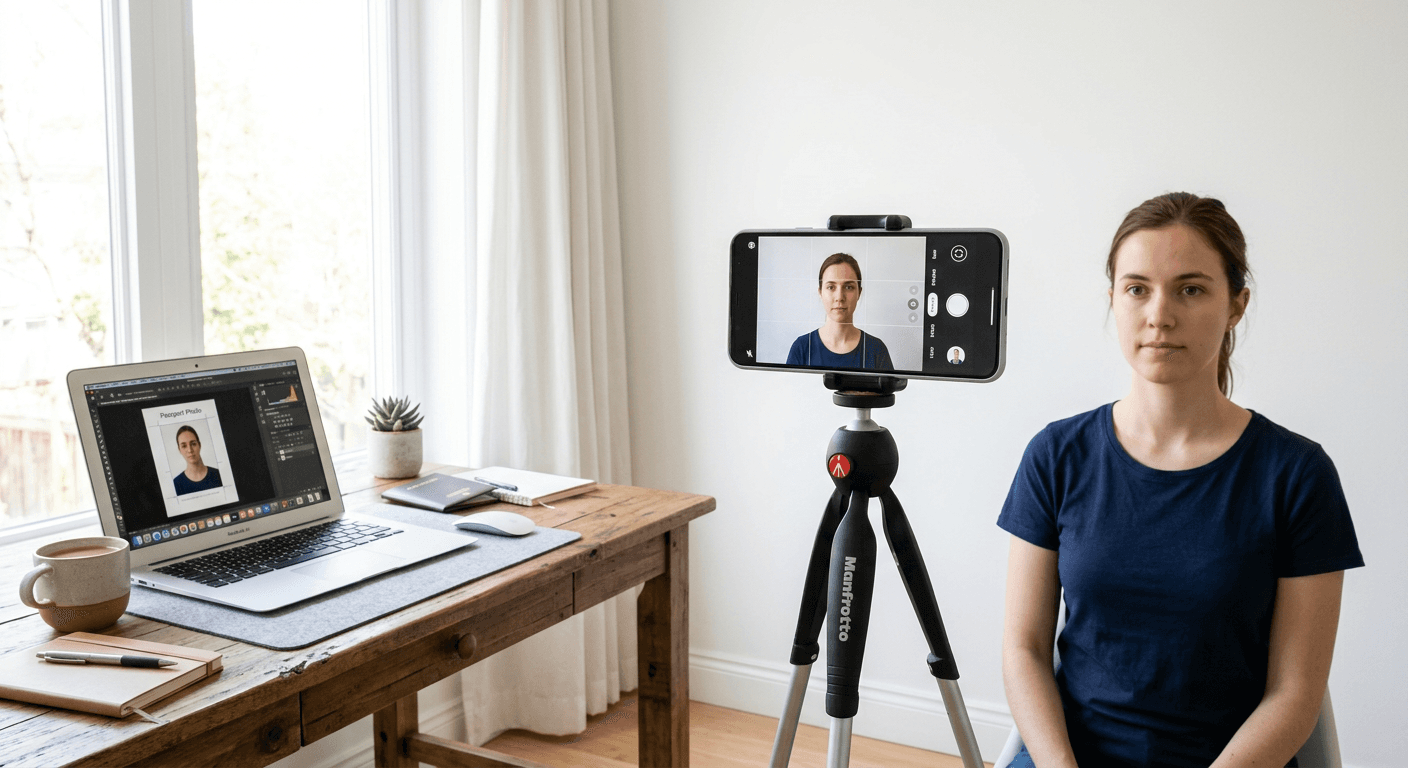
Navigating the complexities of international travel documentation often begins with a single, highly regulated requirement: the biometric photograph. When you choose to make your own passport photo, you move from the uncertainty of retail store lighting to a controlled environment where you can ensure the subject is comfortable and properly framed. Modern digital tools have transformed this process, allowing users to move beyond professional studio appointments and instead leverage software that handles background removal, cropping, and biometric validation automatically.
Quick Summary
Generating a passport photo at home requires a combination of good lighting, a neutral background, and precise software to meet government standards. By using AI-powered tools, you can ensure your image is correctly proportioned and compliant with strict biometric requirements, saving both time and costs associated with traditional photography.
- Capture high-resolution, front-facing photos in natural, even light.
- Use automated software to handle background removal and scaling.
- Verify image dimensions against specific country requirements.
- Print or save your compliant file for official submission.
Table of Contents
- Comparison of Passport Photo Tools
- AI-Driven Passport Photo Platforms
- Manual Editing Software
- How to Choose the Right Service
- FAQ
- Recommended Reads

Comparison of Passport Photo Tools
| Feature | AI-Automated Web Services | Manual Photo Editors | Dedicated Mobile Apps |
|---|---|---|---|
| Ease of Use | Very High | Low | Medium |
| Compliance Check | Automated | Manual User Check | Often Partial |
| Cost | Per Image/Subscription | Free to Paid | Free to Freemium |
| Target Audience | Travelers, Parents | Photographers | Smartphone Users |
AI-Driven Passport Photo Platforms
AI-driven platforms represent the most efficient way to get passport photo taken accurately. These services are specifically engineered to understand the nuanced regulations of various nations, such as the requirements for a US baby passport photo. By automating the background removal and ensuring the subject's head-to-chin ratio aligns with international standards, these tools minimize the risk of application rejection.
Benefits of AI Platforms
- Instant background replacement for compliance.
- Real-time biometric measurement validation.
- Support for diverse international size standards.
- High-resolution exports suitable for high-quality printing.
Potential Downsides
- Often require a fee for high-resolution files.
- May be limited by the quality of the initial photograph input.
Manual Editing Software
For those who prefer granular control, manual editing software provides a hands-on approach to photo manipulation. Utilizing professional-grade image editors allows you to correct color balance and lighting artifacts that automated systems might miss. However, this path requires a deep understanding of government guidelines, such as those detailed in the UK baby passport photo documentation, to avoid errors in cropping or shadow management.
Pros of Manual Editing
- Complete control over contrast and exposure.
- Zero service fees for processing.
- Ability to manually correct perspective distortion.
Cons of Manual Editing
- Requires significant technical skill and patience.
- High risk of non-compliance if guidelines are misunderstood.
- Time-consuming workflow for multiple family members.
How to Choose the Right Service
When evaluating online passport size photo providers, prioritize platforms that offer clear compliance guarantees. A reliable service should explicitly state how they handle the requirements for various countries, whether you need a Canada baby passport photo or a standard adult travel document. Always look for tools that offer automatic cropping templates that match the official dimensions mandated by the destination government, as slight deviations can result in immediate rejection by passport agencies.
Furthermore, consider the accessibility of the output. The best services allow you to download a digital file that can be printed at a standard retail outlet or directly onto photo paper at home. If you are preparing an Australian baby passport photo, ensure the service accounts for the specific lighting and head-centering rules enforced by those authorities. Always review the service's terms to understand their refund policy in the event that your photo is not accepted by the issuing agency.
FAQ
Can I really use a smartphone to make my own passport photo?
Yes, modern smartphones have high-quality sensors that meet the resolution requirements for passport photos, provided the lighting and framing are managed correctly.
What happens if my DIY photo is rejected?
Many professional-grade online services offer a guarantee or a refund policy if their tools produce a non-compliant image. Always verify this before committing to a paid service.
Do I need a professional camera for biometric photos?
No. While high-end cameras offer more detail, a modern smartphone used in a well-lit environment with a neutral background is sufficient for government purposes.