Navigating India Passport Photo Requirements: Biometrics, Sizing, and Formatting Constraints in 2026
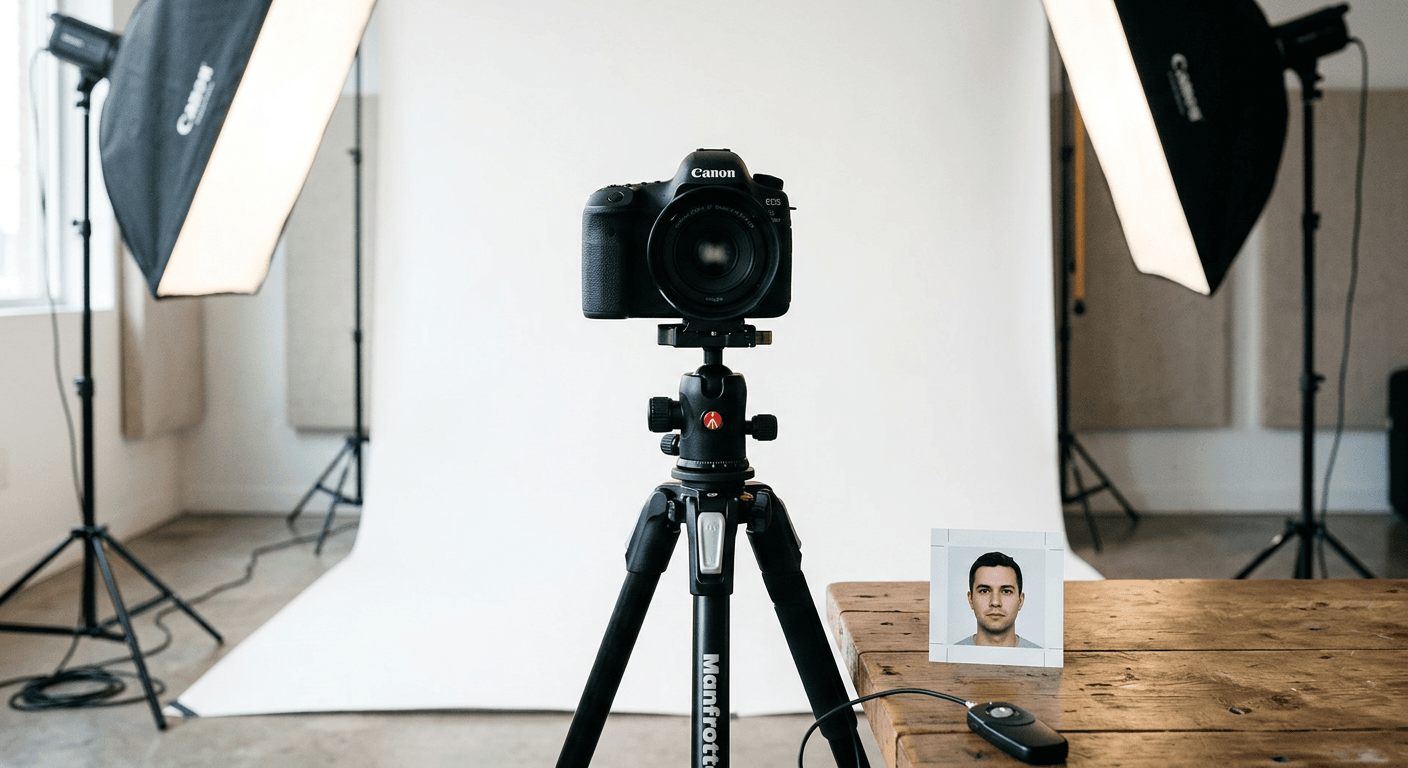
"The picture looks clear to me" is not a valid diagnosis when a consular system rejects an application. Four distinct formatting parameters fail biometric inspection at the consulate, and they require completely different fixes. Many applicants assume that any well-lit smartphone portrait will suffice, but meeting exact india passport photo requirements means satisfying an automated scanner long before a human officer ever reviews the file. The digital systems grading your application measure pupil distance, background contrast, and digital file compression ratios. If any of these metrics fall outside a rigid mathematical window, the software halts the application, regardless of the applicant's age or the urgency of their travel plans.
Quick Summary
The Indian government enforces a strict 51x51 millimeter (2x2 inch) biometric photo standard for both domestic passport renewals and international visa or OCI applications. Achieving compliance requires balancing exact facial proportions, specific digital file sizes, and high-contrast lighting to satisfy automated biometric scanners.
- Physical prints must measure exactly 51x51 mm (2x2 inches) on high-quality matte paper.
- The applicant's head must occupy between 25mm and 35mm of the total vertical frame.
- Digital uploads for OCI or eVisa portals demand a square aspect ratio under 1MB in JPEG format.
- Backgrounds must be plain white or off-white, entirely free of shadows or patterns.
- Infant applications require the child's eyes to be open with no visible parental support in the frame.
Table of Contents
- The 51x51 millimeter physical standard dictates strict facial proportions
- Lighting shadows trigger automatic biometric rejection at the consulate
- Infant applications demand distinct postural setups to clear visual checks
- OCI and passport portal variations demand rigid digital compression
- Headwear and glasses invalidate facial mapping algorithms during scanning
- Clothing color dictates shoulder visibility against white backgrounds
- Portal discrepancies require distinct formatting for physical and digital files
- FAQ
- Recommended Reads
The 51x51 millimeter physical standard dictates strict facial proportions
The foundation of any Indian passport or visa application is the 51x51 millimeter (equivalent to 2x2 inches) size requirement. This dimension is not merely a bounding box; it dictates a specific internal geometry that biometric systems use to map facial features. Within this 51mm square, the applicant's head - measured from the bottom of the chin to the top of the hair - must measure between 25mm and 35mm.
If the head exceeds 35mm, the face is too close to the edge of the frame. Automated systems require a visual margin around the head to calibrate the image. When this margin is absent, the cropping algorithm fails, and the photo is flagged. Conversely, if the head is smaller than 25mm, the resolution of the facial features drops below the threshold required for accurate pupil-distance measurement. The height of the eyes is equally critical: the eyes must sit between 1-1/8 inches and 1-3/8 inches (approximately 28mm to 35mm) from the bottom edge of the photograph.
Practical rule: When measuring the head size for physical prints, calculate the distance from the absolute bottom of the chin to the visual top of the hair. Do not include the neck or upper shoulders in this measurement, as scanners exclusively evaluate the cranial profile.
Understanding these india passport photo specifications prevents the most common physical rejection mode: improper cropping. Many applicants use standard 4x6 inch photo paper to print multiple passport photos at a local pharmacy, but fail to ensure the internal digital file is scaled to print exactly at 2x2 inches. If the printer software automatically "fits to page," the dimensions warp, slightly elongating the face and immediately invalidating the biometric proportions.
Lighting shadows trigger automatic biometric rejection at the consulate
Automated passport systems do not interpret shadows as depth; they interpret them as facial deformities or background anomalies. A photograph submitted for an Indian passport must feature flat, even lighting that illuminates both sides of the face equally while keeping the background entirely pristine.
There are two specific shadow failure modes that applicants routinely face. The first is a cast shadow on the background. This typically occurs when an applicant stands too close to the wall while using a direct flash. The flash creates a harsh, dark outline directly behind the neck and shoulders. Facial recognition software requires a clear distinction between the edge of the face and the background to define the jawline. A cast shadow blurs this boundary, causing the software to merge the neck with the wall.
The second failure mode is uneven facial illumination, often caused by standing parallel to a single light source, such as a window. This setup lights one half of the face perfectly while leaving the other half in shadow. The resulting contrast alters the perceived shape of the nose and cheekbones, breaking the symmetry required for biometric mapping.
To achieve the required lighting, the subject should face the primary light source directly, standing at least two to three feet away from the background to allow light to spill behind them, eliminating wall shadows. The background itself must be plain white or off-white. Textured walls, wood paneling, or patterned wallpaper will instantly fail the initial visual inspection before the file even reaches the scanning software.
Infant applications demand distinct postural setups to clear visual checks
Meeting india passport photo size requirements for a newborn or toddler introduces physical challenges that standard adult setups cannot accommodate. Infants lack the neck strength to sit upright, and toddlers frequently refuse to hold a neutral expression. However, consular standards do not relax the formatting rules for children; they merely expect applicants to use different techniques to achieve the same result.
The most frequent cause of rejection for baby passport photos is parental intrusion. If a parent's hand, arm, or shoulder is visible in the frame - even if they are only supporting the child's neck - the photo is invalid. Similarly, toys, pacifiers, and highchair straps must be entirely absent from the final image.
For newborns, laying the infant flat is the only viable approach. Place a plain white cotton sheet on the floor in a room with ample natural light. Stand directly overhead to take the photo, ensuring your own body does not cast a shadow over the child's face. The child's eyes must be open, though processing centers sometimes exercise slight leniency regarding a perfectly neutral expression for infants under six months old.
For toddlers, using a car seat draped in a white sheet provides the necessary torso support while keeping the parent's hands out of the frame. Because the physical dimensions required (51x51mm) match other international standards, evaluating international baby passport photo requirements reveals that infant postural rules remain remarkably consistent across jurisdictions, relying heavily on unobstructed backgrounds and visible, open eyes.
OCI and passport portal variations demand rigid digital compression
Applying for an Overseas Citizenship of India (OCI) card, an eVisa, or a standard passport renewal often requires navigating digital portals that impose strict file size limits. A high-resolution photograph straight from a modern smartphone can easily exceed 5 megabytes. Uploading this file directly to the VFS Global portal or the Indian government website will result in an immediate error.
The digital requirements mandate a JPEG file format with a square aspect ratio. The minimum dimensions are typically set at 200x200 pixels, while the maximum dimensions cap at 900x900 pixels. More critically, the overall file size must sit comfortably between 10KB and 1MB.
Compressing the file to meet these limits often degrades the image quality if done improperly. Relying on basic web compression tools can introduce pixelation artifacts around the eyes and mouth. When the biometric scanner reviews the compressed file, heavy artifacting reads as facial scarring or obscured features. Applicants must resize the image dimensions down to the 900x900 pixel maximum before applying compression, which preserves the structural integrity of the face while lowering the file size to meet the portal's parameters.
For physical prints accompanying an application, the resolution must remain at 300 DPI (dots per inch). Printing a highly compressed 100KB file at a local pharmacy will result in a blurry, unusable physical photo. You must maintain two separate files: a high-resolution, uncompressed file formatted for 300 DPI physical printing, and a heavily optimized JPEG for the digital portal.
Headwear and glasses invalidate facial mapping algorithms during scanning
The Indian government explicitly prohibits the use of eyeglasses in passport and visa photographs. This rule is absolute, regardless of whether the applicant wears glasses constantly for medical reasons.
Eyeglasses introduce three insurmountable problems for biometric scanners. First, the glass lenses catch ambient light, creating glare that obscures the pupil and iris - the primary anchor points for facial mapping. Second, the frames themselves often cast micro-shadows directly across the cheekbones, altering the perceived structure of the face. Finally, thick frames physically block the boundary between the eyelid and the eyebrow, preventing the software from measuring the orbital spacing.
Head coverings follow similarly strict guidelines. They are permitted solely for religious reasons. When worn, the head covering must not cast any shadows on the face, and it must be positioned to reveal the bottom of the chin to the top of the forehead. Both edges of the face must remain clearly visible. If a hijab, turban, or other religious headwear sits too far forward and obscures the jawline, the software cannot calculate the facial width, leading to rejection.
Practical rule: If you wear a religious head covering daily, adjust it prior to the photo so that it sits slightly further back than usual, ensuring an unobstructed vertical line from the temple to the jaw on both sides of your face.
Clothing color dictates shoulder visibility against white backgrounds
While the indian passport size photo requirements do not mandate a specific dress code, the interaction between clothing color and the background color frequently determines whether a digital scan passes or fails. Because the background must be plain white or off-white, wearing a white shirt is highly detrimental to the application.
When a subject wears a white top against a white background, the camera sensor often fails to distinguish the boundary between the fabric and the wall behind it. This creates a "floating head" effect in the final image. Automated cropping systems do not just look at the face; they measure the tilt of the head by evaluating the alignment of the shoulders. If the shoulders blend completely into the background, the software cannot confirm that the subject is facing the camera perfectly squarely.
Applicants should wear dark or highly contrasting colors to establish a clear boundary line for the lower half of the frame. Uniforms, however, are strictly forbidden, including military attire, law enforcement uniforms, or clothing that strongly resembles them. Camouflage patterns should also be avoided, as the visual complexity can trigger secondary background checks within automated sorting systems.
Portal discrepancies require distinct formatting for physical and digital files
Understanding the precise differences between the digital portal inputs and the physical paper requirements is vital for applicants managing both OCI registrations and physical passport renewals. The metrics below outline the strict tolerances enforced by Indian consular services.
| Specification | Digital Upload (OCI/eVisa) | Physical Print (Passport/VFS) |
|---|---|---|
| Dimensions | 200x200 px to 900x900 px | 51x51 mm (2x2 inches) |
| File Size | 10KB to 1MB maximum | N/A |
| Resolution | Web optimized | 300 DPI strict minimum |
| Paper Type | N/A | High-quality matte or semi-matte |
| Head Proportion | 50% to 70% of frame | 25mm to 35mm (approx 50-70%) |
| Background | Plain white / light solid | Plain white / off-white |
Applicants printing their images at US-based retail pharmacies should ensure the file is prepared on a 4x6 inch digital canvas containing two identical 2x2 inch squares. This prevents the kiosk software from auto-scaling the image. You can reference parallel rules in United States baby passport photo specifications to see how the 2x2 inch physical standard is similarly handled by pharmacy print kiosks across North America.
FAQ
Can an applicant wear glasses for an Indian passport photo? No. The Indian government strictly prohibits eyeglasses in passport and visa photos. They must be removed to prevent glare and frame obstruction, which interfere with automated biometric facial scanning.
Do baby passport photos for India require the infant's eyes to be open? Yes. While slight leniency may occasionally be applied to newborns under a few weeks old, the official standard demands that all infants have their eyes open and clearly visible to satisfy biometric checks.
What background color is required for an Indian passport photo? The background must be plain white or off-white. There should be no patterns, textures, or shadows visible behind the applicant.
Why was my digital photo rejected for file size on the OCI portal? Indian government digital portals require image files to be in JPEG format and strictly sized under 1MB, with square dimensions between 200x200 and 900x900 pixels. Exceeding these limits triggers an automatic upload failure.
Can I print my own passport photos at home? While possible, it is highly discouraged unless you utilize dedicated photographic paper and a high-resolution printer capable of a true 300 DPI output. Standard inkjet paper will cause the ink to bleed, resulting in an immediate rejection.