Standard Photo Size for Passport Requirements: A Global Comparison Guide
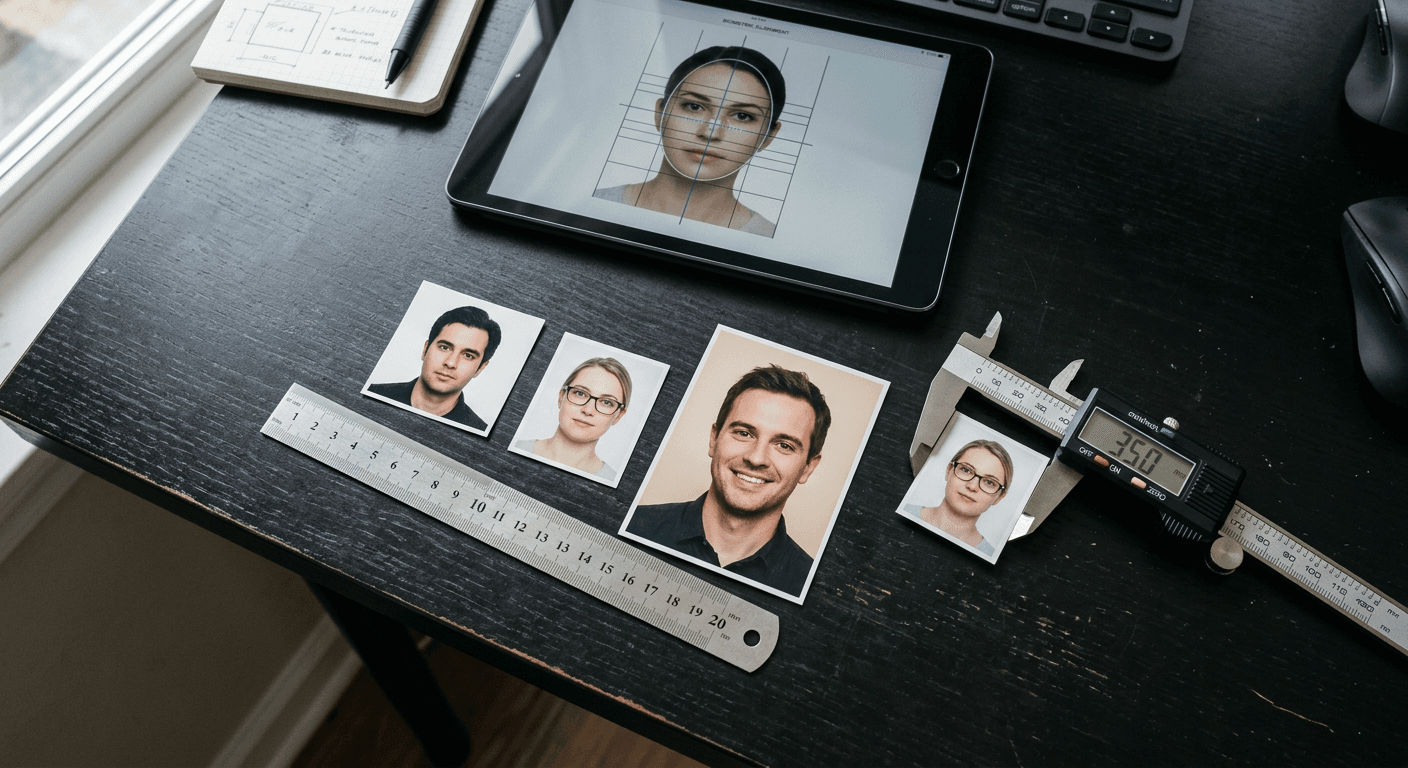
An administrative rejection because of a two-millimeter discrepancy in head height is not a minor error - it is a costly barrier that stalls international travel plans. Most applicants assume that any clear portrait cropped to a generic square will satisfy immigration officers. In reality, the photo size for passport compliance is governed by strict, non-negotiable biometric dimensions that vary dramatically from one jurisdiction to another. Understanding these differences before submitting your application prevents delays, saves processing fees, and ensures automated border gate compatibility.
Quick Summary
A standard passport photo must adhere to precise national dimensions, ranging from the 2x2 inch square format in North America to the 35x45 mm rectangular format standard across Europe and Asia. Even minor deviations in cropping, head size, or alignment can trigger instant automated rejection during biometric scanning.
- North American jurisdictions require a 2x2 inch (51 x 51 mm) square format.
- Most European, UK, and Asian countries enforce a 35 x 45 mm rectangular standard.
- Biometric standards dictate precise chin-to-crown ratios, not just outer borders.
- Digital passport photos require minimum resolution targets of 300 DPI for physical printing.
Table of Contents
- Finding the Correct Photo Size for Passport Standards Globally
- The North American Standard Demands a Perfect Square
- European Biometric Standards Rely on Millimeter Precision
- Asian and Commonwealth Variations That Catch Travelers Off Guard
- Why AI Automation Beats Manual Trimming Every Time
- What Breaks First in DIY Passport Submissions
- FAQ
- Recommended Reads
Finding the Correct Photo Size for Passport Standards Globally
Biometric processing software forms the backend of modern immigration systems. When you submit a photo, an automated validation engine analyzes the file to map key facial coordinates - such as pupil distance, nasal bridge height, and mouth placement. If the outer boundaries of the photo do not match the expected template, verifying the exact passport photo size is impossible for the system, and your application is flagged for manual review or outright rejection.
This processing relies heavily on standards defined by the International Civil Aviation Organization (ICAO). Under the ICAO Document 9303 framework, passport photos must enable automated face recognition. However, how individual nations implement these frameworks varies. While some maintain legacy metric or imperial dimensions, others have developed unique spatial profiles to accommodate domestic verification hardware.
Understanding these templates requires looking closely at the three primary sizing groups: the square format, the standard biometric rectangle, and anomalous regional formats.
Below is a comparison of these major regional standards:
| Country/Region | Physical Dimensions | Head Size Range (Chin to Crown) | Background Specification | Key Digital Requirement |
|---|---|---|---|---|
| United States | 2 x 2 inches (51 x 51 mm) | 1 to 1.375 inches (25 - 35 mm) | Plain white or off-white | 600 x 600 pixels minimum |
| Europe / Schengen | 35 x 45 mm | 32 to 36 mm (70 - 80%) | Light gray or light blue | 300 DPI physical print |
| United Kingdom | 35 x 45 mm | 29 to 34 mm | Cream or light gray | 600 x 750 pixels minimum |
| Canada | 50 x 70 mm | 31 to 36 mm | Plain white or light color | Stamp/date of studio on back |
| Australia | 35 to 40 mm wide by 45 to 50 mm high | 32 to 36 mm | Plain white or light gray | 300 DPI physical print |
Practical rule: Never try to resize a photograph by stretching or compressing the image file; resizing must only be done by cropping the original image canvas to preserve the true aspect ratio and biometric proportions.
The North American Standard Demands a Perfect Square
The standard united states passport photo size is a rigid 2 x 2 inch (51 x 51 mm) square. It is one of the most recognizable and widely replicated formats, but its simplicity is deceptive. The internal geometry of this layout is highly regulated.
When preparing a us passport photo size file, the camera must capture the subject so that the head, from the bottom of the chin to the top of the hair, occupies between 1 inch and 1 3/8 inches (25 to 35 mm) of the total height. If the head is smaller than 1 inch, the biometric scanner will fail to extract enough high-resolution data from the facial features. Conversely, if the head exceeds 1 3/8 inches, the image will lack the necessary background margin, causing facial features to get clipped during the automated cropping phase.
Furthermore, eye height is critical. The eyes must sit between 1 1/8 inches and 1 3/8 inches (28 to 35 mm) from the bottom edge of the photo. Maintaining this alignment is particularly challenging when capturing infants, which is why parents often struggle with DIY setups. When taking a child's photo at home, referencing the United States baby passport photo specifications ensures that the infant's head is aligned correctly along these vertical margins without violating the background uniformity requirements.
To secure a valid passport size photo in usa applications, the background must be completely free of shadows, texture, or secondary objects. The paper itself must be high-quality photographic stock, as matte or glossy surfaces that cause glare can prevent consular agents from scanning the physical document.
European Biometric Standards Rely on Millimeter Precision
Across the European Union, European Free Trade Association, and Schengen zone, the passport photo size standard shifts to a metric standard: 35 mm wide by 45 mm high. This european passport photo size is optimized for high-throughput automated border control gates (e-gates) used throughout international rail terminals and airports.
The inner spatial division of the europe passport size photo is denser than its North American counterpart. The face must fill 70% to 80% of the overall vertical frame. Practically, this means the distance from the chin to the crown of the head must be between 32 and 36 mm. This constraint leaves a very narrow margin for hair volume and neck exposure.
Additionally, the background contrast rules are highly specific. While the US prefers pure white, many European nations, such as Germany, ban pure white backgrounds for citizens with fair hair or light complexions because it reduces contrast and breaks edge-detection algorithms. A light gray or neutral blue background is commonly mandated to ensure clear separation between the subject's silhouette and the frame boundaries.
The eye line must sit within a designated horizontal band, typically 28 to 35 mm from the bottom edge, depending on the national implementation of the ICAO framework. This precise configuration prevents automated border control cameras from misidentifying facial features when checking travelers against the biometric chip stored in the passport.
Asian and Commonwealth Variations That Catch Travelers Off Guard
Many travelers make the mistake of assuming that any standard rectangular photo will pass muster outside of Europe. This assumption overlooks significant variations across Commonwealth and Asian nations.
Canada stands out as one of the most prominent exceptions. Rather than using the 35 x 45 mm metric profile, Canadian regulations require a larger 50 x 70 mm (2 inches wide by 2 3/4 inches high) format. The face height, however, must remain between 31 and 36 mm. This leaves a significantly larger background margin at the top and sides of the head. Consular services are notoriously strict about these outer dimensions, rejecting photos that conform to the smaller European standard. If you are preparing documents for a young family member, referencing comprehensive Canada baby passport photo details can prevent the frustration of having your application returned due to minor sizing deviations.
Australia also presents a unique challenge. While the outer physical frame of an Australian passport photo is 35 to 40 mm wide by 45 to 50 mm high, the head size must occupy a massive 32 to 36 mm of that space. The Australian Passport Office enforces a strict ban on any post-capture editing, meaning background removal software must be sophisticated enough to preserve natural hair edges and shadows without altering the biometric data.
In Singapore, the standard 35 x 45 mm format is used, but the digital upload specifications are highly rigid. Digital files must be uploaded in a 4:3 aspect ratio, with a minimum resolution of 400 x 514 pixels, and saved in JPEG format with a file size under 60 KB.
Practical rule: Never use standard retail scissors to cut your own physical passport photos; even a micro-deviation of 1 mm along the edge can cause the physical document to be rejected by scanning machines.
Why AI Automation Beats Manual Trimming Every Time
Historically, obtaining a passport photo required visiting a specialized pharmacy, post office, or professional studio. These venues relied on physical templates, die-cut punches, and basic camera setups. Today, automated processing algorithms have made manual cutting obsolete.
When a photo is processed digitally, an AI-powered system performs several operations simultaneously:
- Biometric Node Mapping: The algorithm identifies critical coordinates (pupils, outer eye corners, nose tip, mouth edges, chin, and crown).
- Canvas Normalization: It establishes the correct canvas dimensions (such as 2x2 inches or 35 x 45 mm) and scales the image so that the chin-to-crown ratio is mathematically perfect.
- Dynamic Background Isolation: The background is separated from the subject's hair, ears, and clothing, replacing any uneven walls or shadows with a flat, compliant white, cream, or light gray backplane.
- DPI Configuration: The system ensures that the file is exported at 300 dots per inch (DPI), which is the minimum resolution threshold required for professional-grade printing without pixelation.
Manual trimming with scissors or hobby knives frequently leaves jagged edges, uneven dimensions, or incorrect aspect ratios. If a photo is cut to 34 x 44 mm instead of 35 x 45 mm, the processing machine at the passport office will flag the discrepancy, halting your application.
What Breaks First in DIY Passport Submissions
When families attempt to photograph themselves or their children at home, several distinct failure modes consistently trigger rejections. Recognizing these specific issues allows you to troubleshoot the image before submitting it.
Incorrect Head Size Ratio
The most common failure mode is capturing the head too small or too large within the frame. This occurs when the photographer adjusts the distance to the subject by zooming digitally rather than repositioning the camera. Digital zoom degrades the image quality, while incorrect placement violates the 70% to 80% coverage rule. To diagnose this, measure the vertical distance from the chin to the top of the hair on your printed image; if it sits outside the 25 to 35 mm range for the US, or 32 to 36 mm for Europe, the photo will be rejected.
Background Shadows and Lighting Imbalances
Amateur photos often suffer from directional shadows cast behind the subject's ears or shoulders. This happens when a single light source (like a window or ceiling fixture) is positioned to one side of the subject. Automated biometric validation tools rely on uniform contrast to map the head's silhouette. If a deep shadow obscures the boundary of an ear, the scanner cannot confirm head symmetry.
Wrong Paper Weight or Finish
When printing photos at home, using standard inkjet printer paper is a guaranteed path to rejection. Passport photos must be printed on high-quality, dedicated photo paper (either glossy or matte) that does not smear, crease, or reflect scanning lasers. The paper must be heavy enough to withstand adhesive mounting or lamination without warping.
Improper Digital Compression
When uploading photos to government portals, many users rely on generic online compression tools to meet file size limits. These tools use aggressive lossy compression algorithms that introduce visual artifacts, particularly around the eyes and nose. These artifacts distort the fine micro-textures that biometric systems analyze to detect identity fraud, rendering the file useless for digital passports.
FAQ
What is the difference between US and UK passport photo sizes?
The United States uses a 2x2 inch (51 x 51 mm) square format where the head must occupy 1 to 1 3/8 inches. The United Kingdom uses a 35 x 45 mm rectangular format where the head must measure between 29 and 34 mm. UK photos also require a cream or light gray background, whereas US photos require white or off-white.
Can I use a 2x2 inch photo for a European Schengen visa?
No. Schengen visa applications require the standard European biometric size of 35 x 45 mm. Submitting a 2x2 inch photo will result in an immediate rejection because the square aspect ratio does not fit the physical or digital templates used by European consular systems.
What happens if my passport photo is off by a few millimeters?
Even a 1 mm discrepancy along the borders or within the internal facial proportions can cause the automated validation software at the passport agency to flag the image as non-compliant. This halts the automated processing line, requiring manual review and eventual application rejection.
How do I verify if my digital passport photo is saved at 300 DPI?
On a Windows computer, right-click the image file, select "Properties," and navigate to the "Details" tab to view the horizontal and vertical resolution. On a Mac, open the file in Preview, select "Tools," and click "Show Inspector" to check the DPI value.