The Cheapest Places to Get Passport Photos in 2026
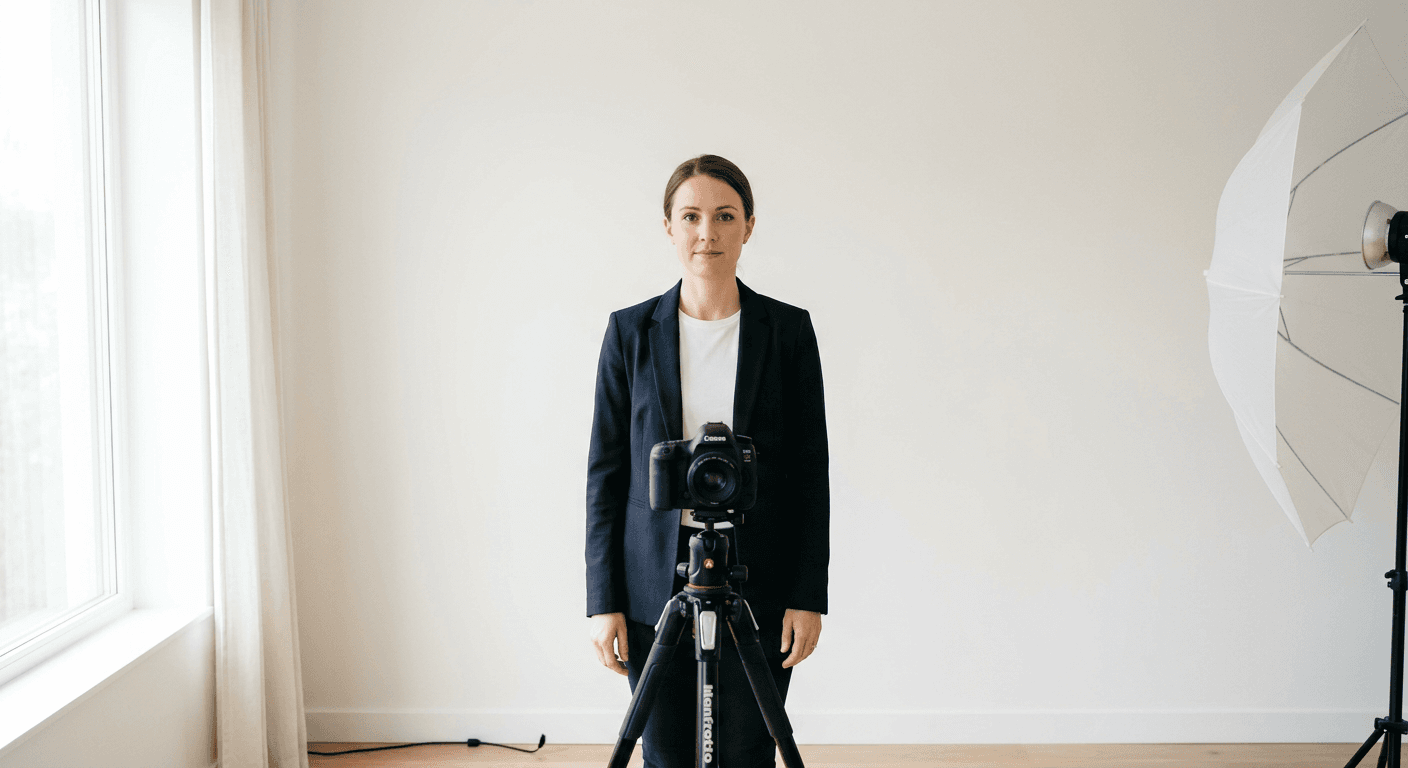
Finding the cheapest place for passport photos in 2026 requires balancing strict government compliance with budgetary constraints. While professional photography studios offer convenience, they often carry high overhead costs passed down to the consumer. Fortunately, modern digital tools have democratized the process, allowing applicants to generate compliant imagery from home at a fraction of the cost of traditional retailers.
Quick Summary
The cheapest way to obtain a compliant passport photo is by using a DIY digital service that allows you to format, crop, and print your images at a local kiosk or home printer. While a perfectly free passport photo is possible if you have high-quality lighting and photo editing software, most users prefer dedicated online tools to guarantee biometric compliance.
- Use a plain white background and natural lighting to ensure professional-grade results.
- Verify the specific country requirements using a reliable passport photo guide to avoid rejection.
- Leverage online cropping tools to ensure your photo meets exact pixel dimensions and head-positioning mandates.
- Printing at a retail kiosk is significantly cheaper than paying for a studio session.
Table of Contents
- Comparison Table
- Retail Pharmacy Kiosks
- DIY Smartphone Photography
- Online Passport Photo Generators
- Local Post Offices
- Big-Box Retailers
- How to Choose the Right Method
- Recommended Reads
Comparison Table
| Method | Cost | Accuracy | Ease of Use | Best For |
|---|---|---|---|---|
| Pharmacy Kiosk | Low ($15-$18) | Moderate | High | Last minute needs |
| DIY Home Method | Free | Variable | Low | Budget-conscious users |
| Online Generator | Very Low ($0-$7) | High | High | Precision requirements |
| Post Office | Moderate ($15-$20) | High | Medium | First-time applicants |
| Big-Box Retail | Moderate ($12-$16) | Moderate | Medium | Bulk family photos |
Retail Pharmacy Kiosks
Retail pharmacy kiosks remain the most common choice for those needing a quick, compliant image. These automated systems are designed to detect facial features and ensure the subject is centered correctly according to international standards. While the passport photo online cost is generally higher when done in-person at these locations, the primary benefit is the built-in guarantee of compliance.
However, users must be aware that lighting within these kiosks can often result in harsh shadows or "red-eye" effects. Before committing to the print, ensure you check the preview screen carefully. If the lighting is suboptimal, adjust your posture or ask for a re-take immediately, as these systems are often programmed to allow a limited number of retries before finalizing the output.
Pros
- Immediate physical prints available on-site.
- Software automatically validates head size and background uniformity.
- Minimal technical effort required from the user.
Cons
- More expensive than DIY or web-based options.
- Image quality is limited by the kiosk's built-in camera hardware.
DIY Smartphone Photography
Capturing a passport size photo free of charge starts with your smartphone. Modern mobile devices possess cameras that far exceed the technical requirements for government documents. To succeed, you must replicate studio conditions: a flat, shadow-free white wall and even, diffused lighting (a window during the day is ideal).
Avoid using flash, as it creates problematic reflections on the skin and background. Once the photo is taken, avoid using heavy filters or retouching software. Government agencies strictly forbid editing that alters physical features or obscures the natural skin tone, as this can trigger a rejection of your application.
Pros
- Zero financial cost for the capture process.
- Infinite retakes to ensure the best facial expression.
- Convenience of doing it at your own pace.
Cons
- Requires high technical effort for manual cropping.
- Risk of background inconsistencies or shadow issues.
Online Passport Photo Generators
Using an online passport photo tool is the middle ground between professional studios and total DIY. These platforms allow you to upload a smartphone image, and their algorithms automatically resize, crop, and adjust the background. For those who need a passport size photo online for free or at a very low cost, these tools offer the best value-to-accuracy ratio.
These platforms often provide templates specific to different nations, such as the UK baby passport photo requirements or the specific sizing for Canada baby passport photos. By using a specialized generator, you ensure that your photo is not only the correct size but also meets the specific file format requirements for online passport renewals.
Pros
- High success rate for compliance-sensitive applications.
- Saves significant money compared to retail studio services.
- Easy integration with home or local print services.
Cons
- Requires an internet connection and digital literacy.
- Privacy concerns for users who are wary of uploading personal identity photos.
Local Post Offices
For many applicants, the post office is a one-stop-shop for both the photo and the submission of the application. While this is not the cheapest option, it is often the most reliable. Staff at these locations are trained to verify identity documents and ensure the photo meets the strict specifications mandated by the governing authorities.
If you have a complex case, such as needing an Australian baby passport photo which requires specific dimensions and parental verification, the post office is often worth the premium price for the peace of mind. You are paying for the assurance that your photo will not be the reason your application is delayed.
Pros
- Expert verification of the photo before you leave.
- Integrated process with the application submission.
Cons
- Typically the most expensive option.
- Requires traveling to a physical location and often booking an appointment.
Big-Box Retailers
Big-box retailers offer a utilitarian approach to passport photos. These stores operate similarly to pharmacy kiosks but often provide human assistance to ensure the alignment is correct. This is a practical middle-ground for families needing multiple photos at once, as they can often provide a discount for group or family sessions.
When choosing this route, call ahead to ensure their photography equipment is currently operational and that an employee is available who has been trained to take biometric photos. Unavailability of staff is a common issue that makes this the least predictable option for those in a hurry.
Pros
- Competitive pricing compared to dedicated passport centers.
- Usually located in high-traffic shopping areas.
Cons
- Inconsistent staffing means you might not always find someone to assist.
- Print quality can vary depending on the specific equipment maintenance.
How to Choose the Right Method
Selecting the right method depends entirely on your risk tolerance and technical comfort. If you are applying for a routine renewal and have a good eye for detail, using an online generator to format a home-taken photo will save you the most money. For those who are not tech-savvy or who have specific requirements (such as infant photos which are notoriously difficult), paying the extra cost at a post office is often a wise investment to avoid the frustration of a rejected application.
Always double-check the specific requirements for your country. For example, if you are looking into a New Zealand baby passport photo, the rules regarding shadows and expression are exceptionally strict. Taking a "good enough" photo will almost certainly lead to an expensive delay. Before you print, review the official government portal to ensure your chosen method aligns with their latest biometric regulations.