Understanding 2026 Passport Photo Requirements to Prevent Application Rejections
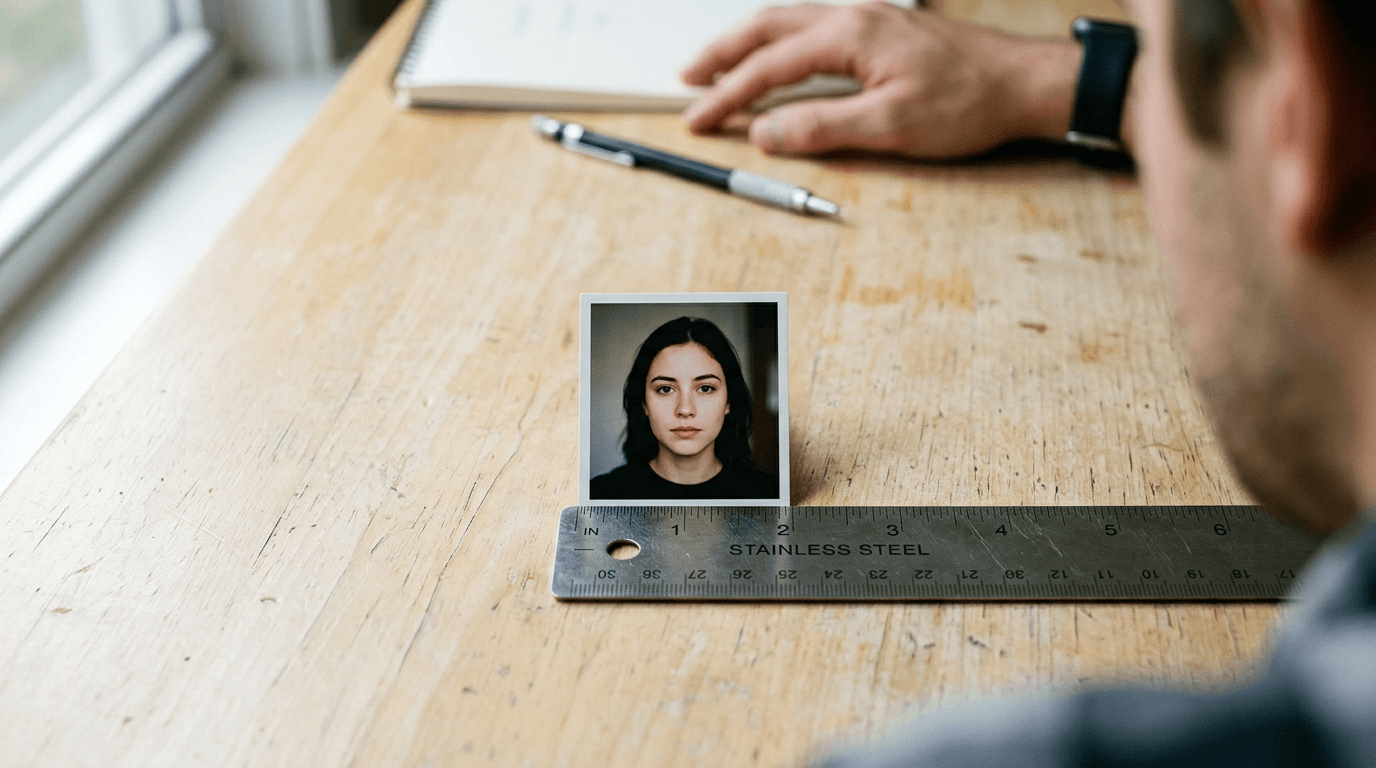
The State Department suspends processing on hundreds of applications daily simply because a shadow touched a subject's ear or an infant's eyes were barely closed. Biometric software evaluates these images before a human reviewer ever sees them, parsing the file for exact dimensional geometry, background uniformity, and contrast ratios. Understanding how these baseline passport photo requirements operate at a machine level shifts the process from guessing whether an image looks acceptable to measuring whether it will reliably pass the automated checks.
Quick Summary
A government-compliant passport photograph is a 2x2 inch (51x51 mm) biometric record captured against a stark white or off-white background within the last six months. It must clearly display the subject's full facial geometry without obstruction, heavy shadows, or digital alteration.
- Head size must measure strictly between 1 and 1 3/8 inches from chin to crown.
- Eyeglasses, uniforms, and camouflage clothing are entirely prohibited.
- Lighting must illuminate both sides of the face equally to eliminate rendering shadows.
- Infants have specific exemptions for eye contact, but no supporting hands may appear in the frame.
Table of Contents
- The Core Passport Photo Requirements Check
- Where Lighting And Exposure Trigger Rejections
- The Geometry Of Head Placement
- How To Handle Expressions And Posture
- What Breaks First: Glasses, Hats, And Wardrobe
- Why Infant Photos Play By Different Rules
- Compliance Comparison Table
- FAQ
- Recommended Reads
The Core Passport Photo Requirements Check
The foundational rules of official travel photography govern physical dimensions, recency, and substrate quality. A photograph must measure exactly 2x2 inches (51x51 mm) for US applications. It must also have been taken within the last six months. This temporal rule exists because facial structures, weight distribution, and recognizable features shift over time, and the primary purpose of the image is immediate physical identification at a border crossing.
Automated systems scan the photograph's dimensions before evaluating the face. If a photograph is submitted digitally, it must be at least 600 by 600 pixels, though physical prints remain the standard for initial physical applications. When reviewing the United States baby passport photo guide, you will notice that the physical printing process introduces a major point of failure. Many home inkjet printers use a CMYK dot matrix that creates microscopic gaps in the color field. When a biometric scanner magnifies the image, it reads this dot pattern as digital noise or artificial texturing, leading to automatic rejection. Professional dye-sublimation printers, by contrast, lay down continuous tones of color that biometric scanners process smoothly as natural human skin.
Another common failure mode occurs at the cutting stage. Many pharmacy photo kiosks automatically scale images by 2% to fit an internal template. This slight magnification alters the facial geometry, rendering an otherwise compliant photo invalid once trimmed.
Practical rule: Always request that the photo center prints the image at exactly 100% scale without borderless scaling, and use a physical ruler to verify the 2-inch border before you leave the store.
Where Lighting And Exposure Trigger Rejections
Lighting dictates how facial recognition algorithms map depth. A photograph must be uniformly illuminated, casting no shadows across the face or onto the background. When evaluating passport photo criteria, exposure is not merely an aesthetic concern; it is a structural requirement. Biometric scanners identify facial contours by reading the gradient between light and dark areas. If a shadow falls across one side of the nose, the computer interprets the nose as structurally asymmetrical.
Smartphones complicate this requirement. Modern mobile device cameras use small CMOS sensors that compensate for indoor lighting by artificially raising the ISO. This introduces digital noise (grain). Furthermore, computational photography automatically attempts to enhance contrast and sharpen edges, which violates the prohibition on digital alteration. A digitally sharpened image often exhibits "haloing" around the ears and hairline, which the processing software flags as evidence of a manipulated background.
To achieve compliant lighting without studio strobes, ambient brightness must overpower directional light. Placing a subject directly facing a large window on an overcast day provides the most reliable flat illumination. Direct sunlight, conversely, creates harsh, high-contrast drop shadows under the chin and brow bone.
Check the immediate area under the chin and behind the ears on the final print. If the shadow cast on the background is noticeably darker than the subject's hair or skin tone, the lighting setup was too directional and will likely fail the initial processing scan.
The Geometry Of Head Placement
The spatial orientation of the head within the 2x2 inch square is heavily regulated. The distance from the bottom of the chin to the top of the head (the crown) must measure between 1 inch and 1 3/8 inches. Simultaneously, the subject's eyes must sit between 1 1/8 inches and 1 3/8 inches from the bottom edge of the photo. This exact placement allows international border control systems to standardize the distance between the pupils and the jawline when scaling the image for database comparison.

Different jurisdictions apply variations of this geometry, meaning careful passport photo guidance is required when applying across borders. For instance, the United Kingdom baby passport photo guide requires an overall print dimension of 35x45 millimeters rather than 2x2 inches, with the head measuring between 29mm and 34mm from chin to crown. Attempting to crop a US-formatted photo into a UK-formatted box will sever the subject's hair or position the eyes too high in the frame.
Cropping is where most manual attempts fail. Relying on visual estimation almost always results in a head that is too large. When the head exceeds 1 3/8 inches in a US photo, it eliminates the necessary white space above the crown, which the cropping algorithm uses as a boundary marker.
Before submitting any application, print a test copy. Place a physical ruler directly over the image. First, measure from the absolute bottom of the chin to the top of the actual skull, ignoring the volume of the hair. If that measurement exceeds 1.375 inches, the photo is non-compliant and must be recaptured or rescaled.
How To Handle Expressions And Posture
Government processing facilities require a neutral facial expression with both eyes open and the mouth fully closed. The mechanics behind these passport photo id requirements trace back to how facial recognition networks operate. These systems plot a matrix of nodal points across the face, focusing on the distance between the eyes, the width of the nose, the depth of the eye sockets, and the shape of the jawline.
A smile distorts almost all of these data points. Smiling raises the cheeks (which obscures the eye sockets), widens the mouth (distorting the jawline), and creates temporary creases that the software misidentifies as permanent facial scars or features. The subject must gaze directly into the camera lens with their head perfectly level. A subtle tilt of the head - whether pitched forward, leaning backward, or rolled to one side - alters the perceived distance between the ears and the camera, breaking the symmetry the software expects.
The posture must be equally rigid. The subject's shoulders should be square to the lens. A common issue occurs when a subject turns their torso slightly to be "more photogenic," resulting in one shoulder appearing larger than the other and the neck twisting.
To ensure a neutral expression without appearing tense, ask the subject to inhale deeply and exhale rapidly through their mouth just before the shutter clicks. This action naturally drops the shoulders, relaxes the jaw muscles, and prevents the subtle squint that often accompanies a forced neutral stare.
What Breaks First: Glasses, Hats, And Wardrobe
Since November 1, 2016, the US State Department has strictly prohibited eyeglasses in passport photos. This rule change addressed a massive failure rate caused by lens glare. Even anti-reflective coatings routinely bounce flash photography back into the lens, creating blown-out white pixels directly over the iris. Furthermore, thick frames obscure the orbital bone, a critical landmark for biometric mapping. Even if the eyes are fully visible to a human observer, the software cannot parse the continuous edge of the cheek through the frame.
Wardrobe requirements focus heavily on preventing visual confusion. Uniforms, clothing that resembles a uniform, and camouflage attire are strictly forbidden. The system is designed to reject anything that suggests a professional affiliation or obscures the neckline, as bulky collars can hide the shape of the jaw. Everyday clothing is required. While there are no strict rules against specific colors, wearing a white shirt against a white background frequently causes the subject's torso to blend into the backdrop, making the shoulders invisible to the cropping algorithm.
Hats and head coverings are universally banned, with two highly specific exceptions. Religious headwear is permitted only if accompanied by a signed statement verifying that the item is part of recognized, traditional religious attire customarily worn continuously in public. Medical headwear is permitted only with a signed doctor's statement verifying that the item is used daily for medical purposes.
Practical rule: Even with a valid medical or religious exemption, the head covering cannot cast a shadow on the face or obscure any portion of the hairline, cheeks, or chin. If the fabric covers the jawline, the photo will be rejected regardless of the accompanying documentation.
Why Infant Photos Play By Different Rules
Capturing an image of an infant introduces severe structural challenges. Because newborns cannot support their own heads or sit upright, the standard posture requirements are physically impossible to enforce. As a result, the Department of State provides specific allowances for infants and toddlers, though the underlying passport photo rules regarding lighting and background remain rigidly enforced.
The primary allowance is that a newborn's eyes do not need to be entirely open, nor do they need to be looking directly at the camera. Additionally, while adults must have a perfectly closed mouth and neutral expression, infants are generally permitted to have slightly open mouths, provided no pacifiers, toys, or hands are visible in the frame.
There are two reliable methods for capturing an infant. The "car seat method" involves draping a plain white sheet completely over a hard-backed car seat and strapping the child in securely (ensuring the straps are hidden beneath clothing or the sheet). This provides neck support while maintaining the required stark white background. The "floor method" involves laying the child flat on their back on a white blanket and photographing them from directly above.
When using the floor method, a critical failure mode known as perspective distortion often occurs. If the photographer holds the camera down at an angle rather than perfectly parallel to the child's face, gravity pulls the infant's cheeks backward, and the angle artificially elongates the forehead. This foreshortening alters the chin-to-crown ratio, resulting in rejection.
The strictness of infant allowances varies significantly by country. Reviewing the Canada baby passport photo guide reveals that Canadian authorities are much less forgiving regarding neutral expressions in toddlers than US authorities. Similarly, the Australia baby passport photo guide outlines specific tolerances for infant head support that differ from North American standards. Whenever photographing an infant from above, use a plumb line or your camera app's visual grid to ensure the lens is entirely parallel to the floor before capturing the image.
Compliance Comparison Table
The following table outlines the differing strictness levels between adult and infant photographic requirements for US applications:
| Compliance Metric | Adult Requirement | Infant/Toddler Requirement |
|---|---|---|
| Facial Expression | Strictly neutral, mouth closed. | Relaxed; mouth may be slightly open. |
| Eye Contact | Open and looking directly at camera. | Newborns may have partially/fully closed eyes. |
| Head Placement | Level, perfectly vertical, centered. | Must be centered, but minor tilting is tolerated. |
| Background | Stark white/off-white, no shadows. | White/off-white, no car seat fabric or hands visible. |
| Eyeglasses | Strictly prohibited (no exceptions). | Strictly prohibited. |
| Dimensions | 2x2 inches (51x51 mm). | 2x2 inches (51x51 mm). |
FAQ
Can I take my passport photo with my smartphone? Yes, provided the camera can capture a high-resolution image without applying automatic digital filters, portrait mode blurring, or beauty enhancements. The challenge with smartphones is not resolution, but controlling the ambient lighting to prevent shadows and disabling computational photography features that alter facial geometry.
Do baby passport photos need to have their eyes open? For newborns and young infants, the rules are relaxed; their eyes do not need to be entirely open, and they do not need to look directly at the lens. However, toddlers and older babies are generally expected to have their eyes open and facing the camera.
What if my photo has a slight shadow on the background? A shadow on the background will cause an automatic rejection if it prevents the biometric software from finding the distinct edge of the subject's head or shoulders. The background must be completely uniform to allow the cropping algorithm to map the silhouette accurately.
Can I wear jewelry in my passport photo? Jewelry is permitted as long as it does not obscure your face, cast a shadow onto your skin, or cause significant glare from the camera flash. Large, reflective necklaces or earrings that cover the earlobes or jawline should be removed to prevent processing delays.
Is it acceptable to remove the background digitally? The State Department strictly prohibits digital alteration of the image, including the use of software to artificially whiten or remove a background. The photo must be taken in front of a physically white or off-white backdrop.