US Passport Photo Requirements: Why Applications Fail and How to Pass in 2026
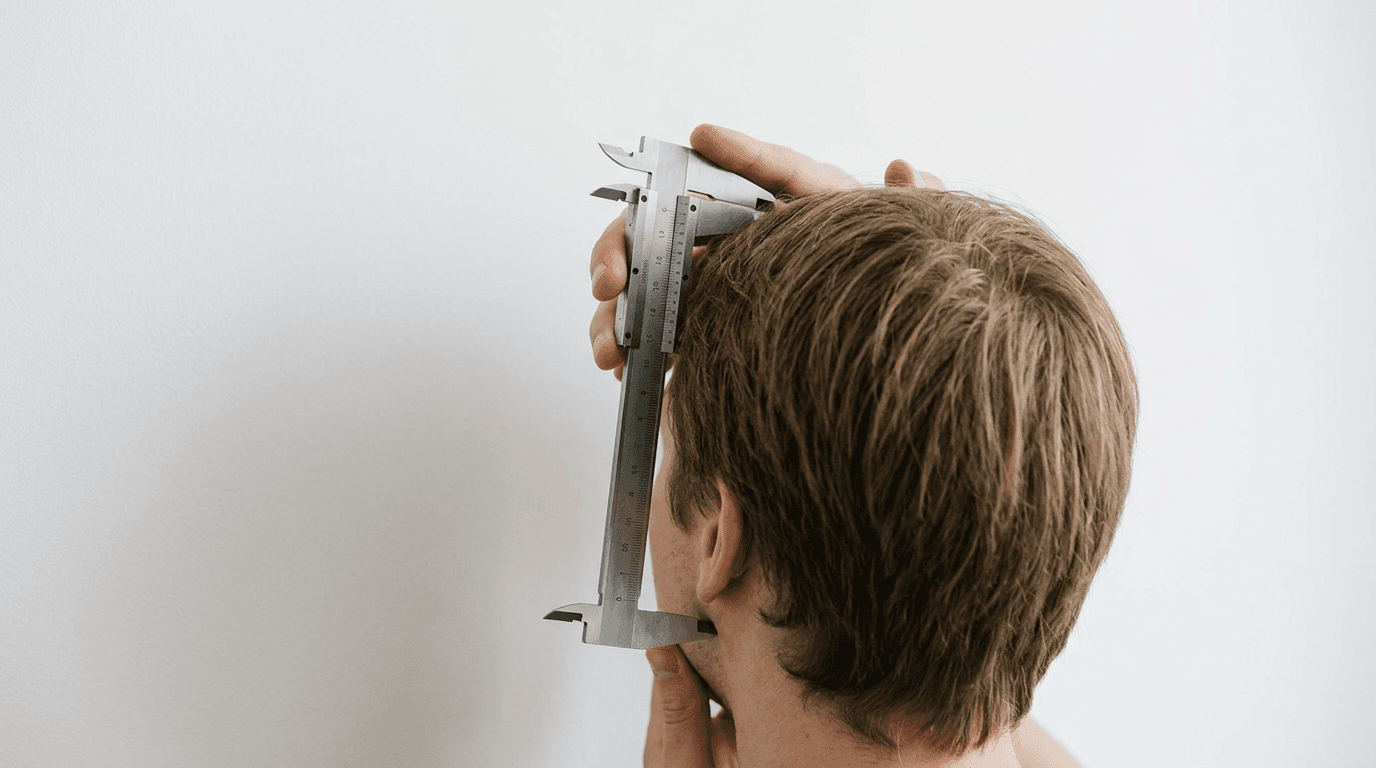
The moment an application bounces back from the Department of State because of a shadow behind an ear is the moment you realize a us passport photo is not a portrait, but a biometric data point. Government scanners do not judge aesthetics; they look for high-contrast edges and precise nodal distances to map your identity into a facial recognition database. A rejected us passport photo delays travel plans by weeks, forcing families to restart the application process over technicalities that look invisible to the naked eye.
Quick Summary
A US passport photo is a tightly regulated biometric record requiring strict adherence to dimensional, lighting, and background standards. Submissions fail primarily due to uneven exposure, improper head scaling, or prohibited accessories that obstruct facial recognition algorithms.
- Image dimensions must strictly measure 2x2 inches (51x51 mm).
- The subject's head must measure between 1 and 1 3/8 inches from chin to crown.
- Lighting must be completely symmetrical, casting zero shadows on the face or background.
- Glasses, uniforms, and digital alterations are universally prohibited.
- Infant photos require specialized positioning to eliminate supporting hands from the frame.
Table of Contents
- Why your us passport photo fails the background check
- Head proportions dictate the facial recognition grid
- Symmetrical lighting prevents false facial mapping
- Where clothing and glasses trigger automatic rejections
- Infant positioning introduces distinct biometric challenges
- Digital resolution tolerances differ from physical print standards
- FAQ
- Recommended Reads
Why your us passport photo fails the background check
The requirement for a plain white or off-white background exists so the automated cropping and scanning software can detect a hard, continuous edge around the applicant's head and shoulders. When the background contains texture, patterns, or gradients, the software struggles to separate the subject from the wall behind them.
The mechanism of false edges
The most common failure mode in this category is the cast shadow. When an applicant stands flush against a wall, the primary light source casts a dense, dark shape directly behind their neck and shoulders. To a biometric scanner, this shadow reads as a physical extension of the applicant's body, distorting the shoulder-width measurement. Algorithms look for contrast; if the pixel value of the shadow matches the pixel value of dark hair or clothing, the system registers a continuous shape, causing an immediate automated rejection.
The texture problem
Using a household wall as a background often fails because modern paint finishes carry a slight texture (like eggshell or orange peel). Under direct flash, these micro-textures create thousands of tiny highlights and shadows. The State Department requires a seamless, textureless surface.
Practical rule: Position the subject at least three feet away from the background surface to allow light to fall evenly behind them, entirely eliminating cast structural shadows.
To correct this, applicants must control the environment. For specific techniques on creating a compliant background at home without professional studio sweeps, referencing a United States baby passport photo guide can provide structural workarounds, such as using tension-pulled matte fabrics that do not reflect flash or show wrinkles.
Head proportions dictate the facial recognition grid
A biometric scanner anchors its entire facial map on a specific geometry, which is why scaling is rigorously enforced. The total image must measure exactly 2x2 inches (51x51 mm). Within that square, the head must sit in a precise vertical zone.

The chin to crown measurement
The distance from the bottom of the chin to the top of the head (the crown) must measure between 1 inch and 1 3/8 inches (25-35 mm). If the head is too large, the facial features are pushed toward the lens, distorting the perceived distance between the nose and the ears. If the head is too small, the scanner lacks the pixel density to accurately measure the distance between the pupils - the foundational metric of all modern facial recognition.
Centering and eye line placement
Beyond overall head size, the applicant's eyes must fall within a strict horizontal band. The eye line must be located between 1 1/8 inches and 1 3/8 inches (28 mm - 35 mm) from the bottom edge of the photo. Applying a us passport photo template over your digital image before printing ensures these nodes align correctly. When the eyes drop too low, the scanning software misinterprets the tilt of the head. The camera lens must be perfectly level with the subject's eyes, not looking down at them or tilting up from below.
Symmetrical lighting prevents false facial mapping
Lighting a biometric image is fundamentally different from lighting a portrait. Portrait photography uses shadows to create depth, define the jawline, and slim the face. Biometric photography requires "flat" lighting to destroy depth.
Exposure and facial structures
The State Department algorithms use light and dark values to map the topography of the face. A shadow under the nose, on one side of the cheek, or beneath the chin reads as a physical cavity. If you use a single window on the left side of the room, the right side of the face falls into shadow, which the algorithm maps as facial asymmetry. This prevents the resulting image from matching your face when you stand in front of a flatly lit border control camera.
Managing glare and skin reflection
Overexposure is equally destructive. If the flash is too harsh, it "blows out" the details of the skin, merging the bridge of the nose with the cheeks. This removes the nodal points required to measure the width of the nose. Furthermore, red-eye caused by direct flash bouncing off the retina is an automatic failure. Software removal of red-eye is heavily prohibited because digital retouching alters the pixel structure of the iris. To achieve the correct flat look, place two identical light sources at 45-degree angles in front of the subject, ensuring the light fills every structural shadow on the face.
Where clothing and glasses trigger automatic rejections
Since 2016, the united states passport photo requirements have completely banned the wearing of glasses. This change was implemented because anti-reflective coatings, frames, and lens curvatures routinely obstruct the pupillary distance measurement or introduce artificial glare that software cannot parse.
Uniforms and camouflage
The State Department explicitly bans uniforms, clothing that looks like a uniform, and camouflage attire. This includes military uniforms, flight crew outfits, and law enforcement attire. The underlying mechanism for this rule is international neutrality; a passport must identify the individual as a civilian to foreign border control agents. The only exception applies to religious attire worn daily, which must be accompanied by a signed statement verifying that the item is a recognized religious garment worn continuously in public.
The "floating head" failure
While everyday clothing is required, applicants frequently fail by wearing white or very light-colored tops. When the subject wears a white shirt against a mandatory white background, the clothing blends into the wall, destroying the shoulder silhouette. The scanning software relies on the shoulder width to scale the head properly. Without the visible contrast of a dark shirt, the software registers a floating head and rejects the file.
Infant positioning introduces distinct biometric challenges
Photographing adults requires simple instruction; photographing an infant requires engineering a safe, compliant environment. An american passport photo for a baby follows the exact same dimensional and background rules as an adult's, with minor leniency granted only for the infant's ability to keep their eyes fully open or look directly at the lens.
The prohibition of supporting elements
The strictest rule for infant photography is that no other person may be in the frame. This includes hands holding the baby up. Even a single finger supporting the back of the baby's neck will cause a rejection. Pacifiers, bulky head bows, and textured blankets are similarly banned.
The lay-flat execution method
Because newborns lack neck control, attempting to sit them up usually fails. The most reliable mechanism is the lay-flat method: placing a completely unwrinkled, plain white sheet on the floor and laying the infant on their back. The camera is then held directly above the baby, parallel to the floor, to avoid distorting the facial perspective. Parents attempting to manage these strict guidelines often rely on specialized software that includes a 100% refund policy if the resulting image is flagged by the government due to scaling or background issues.
Digital resolution tolerances differ from physical print standards
Submitting united states passport photos requires understanding the medium of submission. A photo that looks perfect on a smartphone screen will often fail when printed at a local pharmacy or uploaded to the State Department's online portal due to compression artifacts and print chemistry.
The mechanics of physical prints
When providing a physical copy, the photo must be printed on photo-quality paper, either matte or glossy. Printing at home on standard inkjet paper fails because inkjet printers drop ink in microscopic CMYK dot patterns (halftoning). Under the State Department's scanners, these dot patterns look like severe skin blemishes or digital noise, causing the software to fail the scan. Retail photo providers (like Walgreens or CVS) use dye-sublimation or chemical photo processes that produce continuous tones, which biometric scanners read accurately.
Digital upload constraints
If applying online, the digital file must meet strict parameters that balance image fidelity with file size limitations. The file must be in JPEG format, utilizing the sRGB color space.
Practical rule: Never aggressively compress the JPEG file to meet the size minimum; aggressive compression introduces blocky artifacts around the high-contrast areas (like the eyes and hairline) which confuse facial mapping tools.
Comparison Table: Digital vs Physical Print Specifications
| Specification | Digital File (Online Renewal) | Physical Print (In-Person/Mail) |
|---|---|---|
| Dimensions | 600 x 600 to 1200 x 1200 pixels | 2 x 2 inches (51 x 51 mm) |
| Resolution | Minimum 300 PPI | Minimum 300 DPI on photo paper |
| File Size | 54 kB to 10 MB | N/A |
| Format | JPEG (.jpg) only | Glossy or Matte photo paper |
| Color Space | sRGB | Continuous tone (no inkjet dots) |
Failure to meet the exact pixel counts or color space profiles will result in the online portal instantly rejecting the upload before a human ever reviews it. For specific technical errors encountered during the digital upload process, checking the help center documentation ensures you export the file correctly without stripping essential metadata.
FAQ
Can I smile in my passport photo? No. You must maintain a neutral facial expression with both eyes open and your mouth closed. A smile distorts the physical distance between your facial features, raising the cheeks and narrowing the eyes, which breaks the biometric mapping process.
What if my newborn baby's eyes are closed in the photo? The State Department grants limited leniency for newborns, acknowledging they may not keep their eyes fully open. However, older infants and toddlers are expected to have their eyes open and facing the camera.
Can I wear jewelry or piercings? Yes, provided the jewelry does not cover your face, cast a shadow onto your skin, or cause glare from the camera flash. Large necklaces or highly reflective earrings should be removed to ensure the lighting remains flat and predictable.
How recent must the photo be? The photograph must be taken within six months of submitting your application. If your appearance has changed significantly (due to facial trauma, significant weight loss/gain, or gender transition), you must supply a new photo even if the previous one is less than six months old.
Can I digitally remove a blemish or edit the background? Absolutely not. Digital retouching, including using automated apps to smooth skin, remove red-eye, or artificially cut out the background, alters the pixel data and will trigger a rejection. The background must be genuinely white or off-white at the moment the photo is taken.