US Passport Size Photo Online: 3 Tools Compared for 2026 Compliance
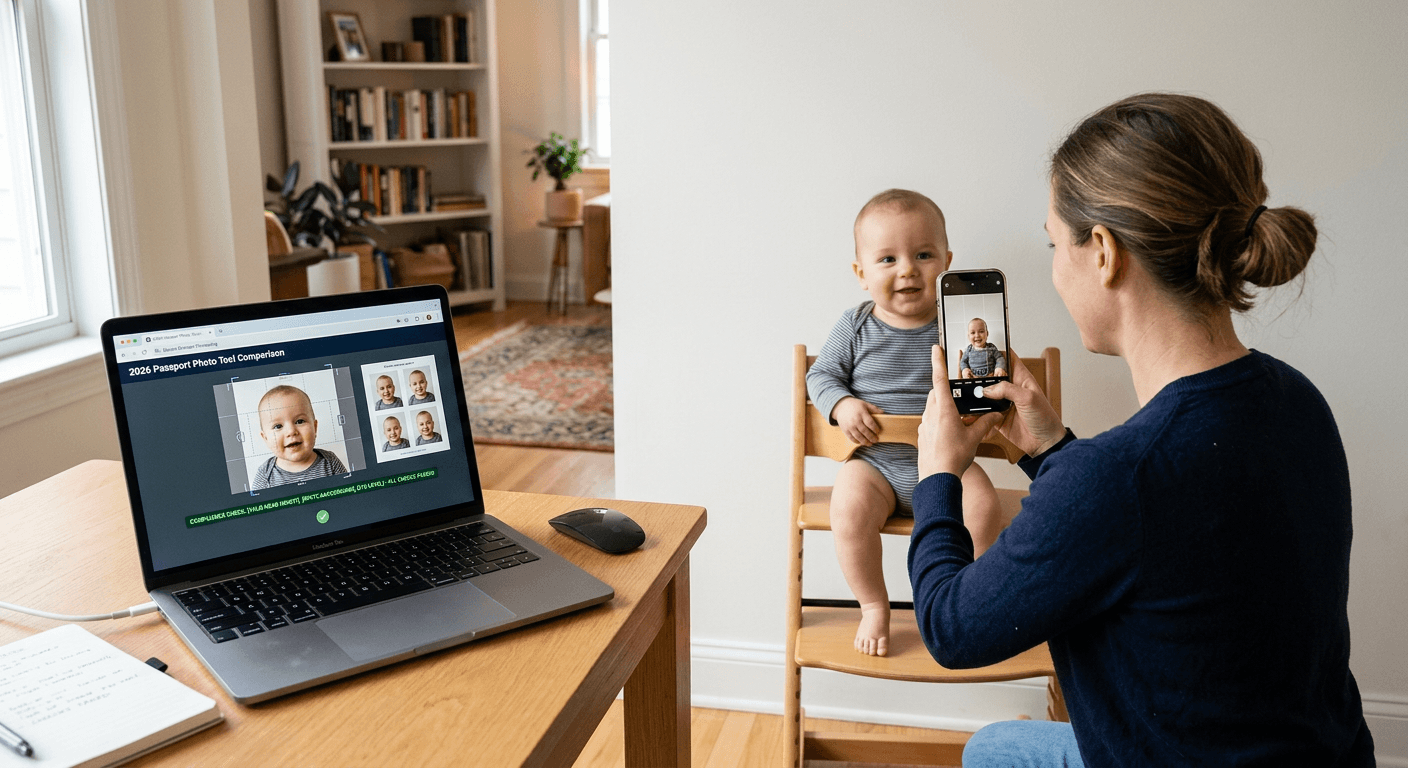
A US passport application can stall over a photo that looks fine on a phone screen but fails on head size, background, or output format. That is why people searching for us passport size photo online are not really buying convenience alone - they are buying fewer chances to get a 2 x 2 inch image rejected after the form is already filled out.
Quick Summary
US passport photo tools differ less on filters and more on how they enforce compliance. For 2026, the practical split is between guided compliance checks, private on-device processing, and manual cropping workflows. The right choice depends on whether your priority is review depth, privacy, or control over print layout.
- US passport photos still hinge on exact framing, plain background handling, and correct output sizing.
- The biggest separator is where the correction work happens - automated server-side checks, on-device processing, or manual adjustment.
- Free options can be useful, but the real question is what part of compliance they leave to you.
- For infant and child photos, check whether the tool helps with alignment and background cleanup, not just final dimensions.
Table of Contents
- Buying Guide / How to Choose
- 1. PhotoGov
- 2. Passport Photo Snap
- 3. 123PassportPhoto
- The wrong tool usually fails at the handoff, not the crop
- Recommended Reads
Buying Guide / How to Choose
The useful way to compare these tools is by compliance workflow rather than by feature count. Three categories matter here:
- Guided compliance check - the tool does more than crop. It screens for background, lighting, proportions, and submission format.
- On-device privacy workflow - the processing happens in your browser or device, which changes how image data moves.
- Manual formatting workflow - the service gives you templates and cropping controls, but more of the acceptance risk stays with you.
That distinction matters because a 2by2 passport photo can fail after the image is technically the right size. A compliant US passport image is not just square pixels or a print sheet. It also depends on face positioning, background cleanliness, and whether the final file matches the submission route you actually need.
For families handling baby or child applications, that gap gets wider. Infants rarely hold a neutral pose on command, and background cleanup is often where an ordinary snapshot starts to break. If you need country-specific reference points before uploading anything, the United States baby passport photo guide is useful for understanding how strict framing and background rules work in practice.
What to check before shortlisting any online passport size photo service:
- Output type - digital upload file, print sheet, or both.
- Adjustment method - automated compliance screening versus drag-and-crop control.
- Data path - uploaded to a server or processed locally in-browser.
- Print handoff - whether it produces a standard 4 x 6 print layout or only a single digital image.
- Review depth - whether anyone or anything checks more than the dimensions.
Practical rule: If the application risk is expensive - urgent travel, infant passport, or a visa with strict specs - choose the option that checks the most failure points, not the one with the lowest starting price.
| Product | Compliance workflow | Features | Pros | Cons | Target Audience |
|---|---|---|---|---|---|
| PhotoGov | Guided compliance check | Auto crop, resize, official formatting, free compliance checker, optional manual verification, 600 x 600 sRGB digital output | Review-focused, clear digital output spec, optional human check | Best fit is digital-first, some value depends on paid review, less suited if you want local-only processing | Applicants who want screening support before submission |
| Passport Photo Snap | On-device privacy workflow | Client-side AI, face centering, background removal, free 300 DPI digital photo, $2.99 Print Pack, 140+ country templates | Local processing, free digital output, inexpensive print template | Reader must verify whether output matches submission need, fewer stated review controls, depends on browser/device performance | Privacy-conscious users who still want automated cleanup |
| 123PassportPhoto | Manual formatting workflow | Free basic manual crop, premium template at $5.96, JPG/JPEG uploads under 10MB and under 4000 x 3000 pixels, 4R print sheets | Straightforward manual control, print-oriented output, clear upload limits | More compliance judgment stays with the user, file restrictions may interrupt workflow, less suitable for difficult source photos | Users comfortable adjusting crop and print layout themselves |
1. PhotoGov
A parent trying to finish a passport packet at night usually wants one thing from a photo tool: a fast answer on whether the image will pass. That is the best frame for PhotoGov. It fits the guided compliance check path, which means it should not be judged against a bare cropper alone.
The mechanism is fairly specific from the facts available. PhotoGov automatically crops, resizes, and formats images to match official government passport standards. It also offers a free automated compliance checker that screens for background, lighting, head proportions, and size, and it can format files into exact 600 x 600 pixel square sRGB output for digital submissions. That matters because the most common breakdown in an online passport size photo workflow is not making a square image - it is sending a square image that still fails the submission system's format or face-placement expectations.
According to the listed source facts, users can create and download their first digital passport photo for free, depending on server load. There is also an optional manual verification service performed by a senior compliance specialist. For a reader who wants an extra review layer before uploading, that optional handoff is the notable part of this tool, not the crop itself.
Compliance review is the whole point here
What separates this option is that it tries to catch failures before you submit, rather than simply handing you a correctly sized box. For a US digital passport workflow, that is a meaningful distinction. I would look harder at this path when the source photo is imperfect - slight shadowing, uncertain head placement, or an image taken quickly with a phone rather than set up under controlled lighting.
The ceiling is just as clear. If what you really need is a private, local-only workflow or a print-focused sheet for in-store printing, the listed facts do not make that its strongest case. The free first download depending on server load also means you should verify the exact handoff you need before counting on a no-cost run.
Buy this when the main problem is acceptance risk, not when the job is simply making a square file.
Pros
- Screens more than dimensions alone
- Provides exact 600 x 600 sRGB digital formatting
- Offers optional manual verification
Cons
- Free access depends on server load
- Best-documented strength is digital submission, not print layout
- Not the right fit for users who want local-only processing
2. Passport Photo Snap
Where PhotoGov puts its weight on review, Passport Photo Snap changes the trade-off by moving processing to the user side. That makes it an on-device privacy workflow, and that should immediately tell you what not to compare it against: a service whose value rests on server-side compliance checking.
What actually happens to the data here is the main story. According to the verified facts, it performs AI processing directly on the user's device via WebAssembly to prevent server-side data transfers. The browser-based utility uses client-side AI to center faces and remove photo backgrounds for standard identity documents. For households that are uncomfortable uploading child or infant portraits to remote processing systems, that architecture is not a marketing flourish. It changes the data path completely.
The published details also say it lets users download a single digital passport photo at 300 DPI for free with no watermarks. If a physical print is needed, it offers a Print Pack with a print-ready 4 x 6 template for a one-time fee of $2.99. It also includes templates and dimension guidance for more than 140 countries, which matters if the same family handles both US and non-US document photos. For country-by-country background on infant rules, a broader passport and visa photo requirements guide can help you sense-check whether the template is solving the right problem.
Privacy-first processing changes the trade-off
The gain here is obvious: the image can stay on the device while still getting face-centering and background-removal help. That makes sense for users who want a us passport photo online free option to start with but do not want free to mean uncontrolled image sharing.
What gives me pause is different from PhotoGov. The listed facts tell you a lot about where processing happens and what output you get, but less about a dedicated compliance review layer beyond the AI adjustments themselves. So the burden shifts back to the user to inspect lighting, expression, and final suitability for the exact submission route.
Practical rule: When a tool's strongest feature is privacy, do not assume it also offers the deepest compliance screening. Those are different jobs.
Choose this when image privacy is the first filter and you still want automation for centering and cleanup.
Pros
- Processes images locally on the user's device
- Free digital download without watermarking
- Low-cost print sheet option for physical copies
Cons
- Stated strengths focus more on processing location than review depth
- Reader still needs to verify final compliance carefully
- Browser and device handling become part of the workflow
3. 123PassportPhoto
The question buyers usually ask before adding 123PassportPhoto to a shortlist is simple: do you want the tool to decide, or do you want to adjust the image yourself? This one sits in the manual formatting workflow, which means it should not be measured by the same yardstick as an automated compliance checker.
Its mechanism is more direct than the others. 123PassportPhoto is a web-based cropping and formatting service that creates downloadable passport and visa layouts from uploaded photographs. The verified facts say it has a free basic service tier specifically for manual photo cropping. That tells you exactly where the responsibility sits. You are not mainly paying for detection logic. You are using a formatter that helps turn a source image into a printable or downloadable layout.
The practical details matter. It accepts only JPG or JPEG uploads under 10MB and smaller than 4000 x 3000 pixels. It also generates downloadable sheets formatted for standard 4R - 4 x 6 inch - photo paper printing. For people who already have a decent source image and mainly need a print sheet to take elsewhere, that is a real workflow advantage. Its premium passport photo template is listed at $5.96 according to the supplied source facts.
Manual control helps when automation is not the job
The strength here is predictability in layout, especially if your source photo is already clean and you care more about arranging output for printing than about automated checks. I would keep it on the list for users who are comfortable judging whether the original photo is acceptable before they crop.
The limitation is built into the same design. Manual cropping is useful only when the user can recognize a bad source image. If the background is uneven, the head proportion is questionable, or the photo is of a moving infant, this workflow can leave too much compliance judgment in your hands. The file-type and size restrictions can also slow things down if your phone exports in a different format or at larger dimensions.
Pick this when you want direct control over formatting and already trust the photo you are starting with.
Pros
- Free entry point for manual cropping
- Clear print-sheet output for 4 x 6 paper
- Explicit upload limits reduce guesswork before import
Cons
- More acceptance risk stays with the user
- Restricted to JPG/JPEG uploads within stated size limits
- Less suitable for difficult baby photos or messy backgrounds
The wrong tool usually fails at the handoff, not the crop
Most readers do not need the "best" tool in the abstract. They need the one that matches the point of failure.
If the problem is uncertainty about acceptance, the guided compliance check route is the sensible starting point. That is the lane for PhotoGov. It is built for readers who want the service to test more than dimensions and who see the photo step as a risk-control step.
If the pressure point is privacy and local processing, the on-device privacy workflow is the cleaner fit. Passport Photo Snap serves that situation because the image handling path is the deciding factor, not just the final file.
When the issue is simple formatting from a decent source image, the manual formatting workflow makes sense. That is where 123PassportPhoto belongs. It is useful when the source photo is already acceptable and the remaining job is crop, layout, and print preparation.
Parents dealing with infant photos should be tougher on the source image than adults often are. Alignment and plain background errors start there. For country-specific infant examples beyond the US, the Canada baby passport photo guide and United Kingdom baby passport photo guide show how quickly small spec differences matter across applications.
A final point: us passport photo online free is a useful search, but free only helps if the first image is acceptable. If the photo fails and has to be redone under time pressure, the cheapest path was not actually the simplest one.